Comments
The theme supports native comments and third-party solutions. This guide explains how to enable both options.
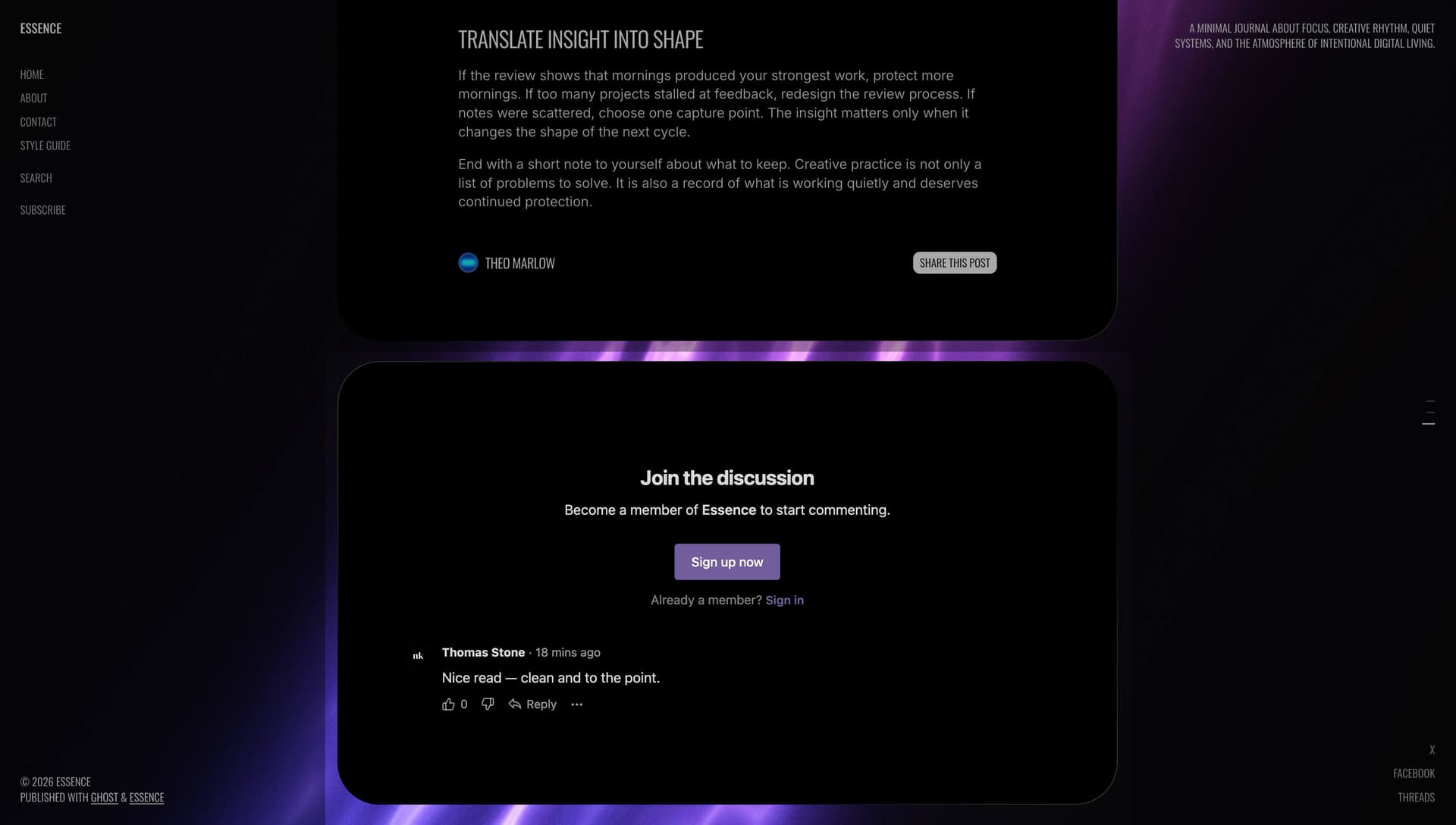
Native Comments
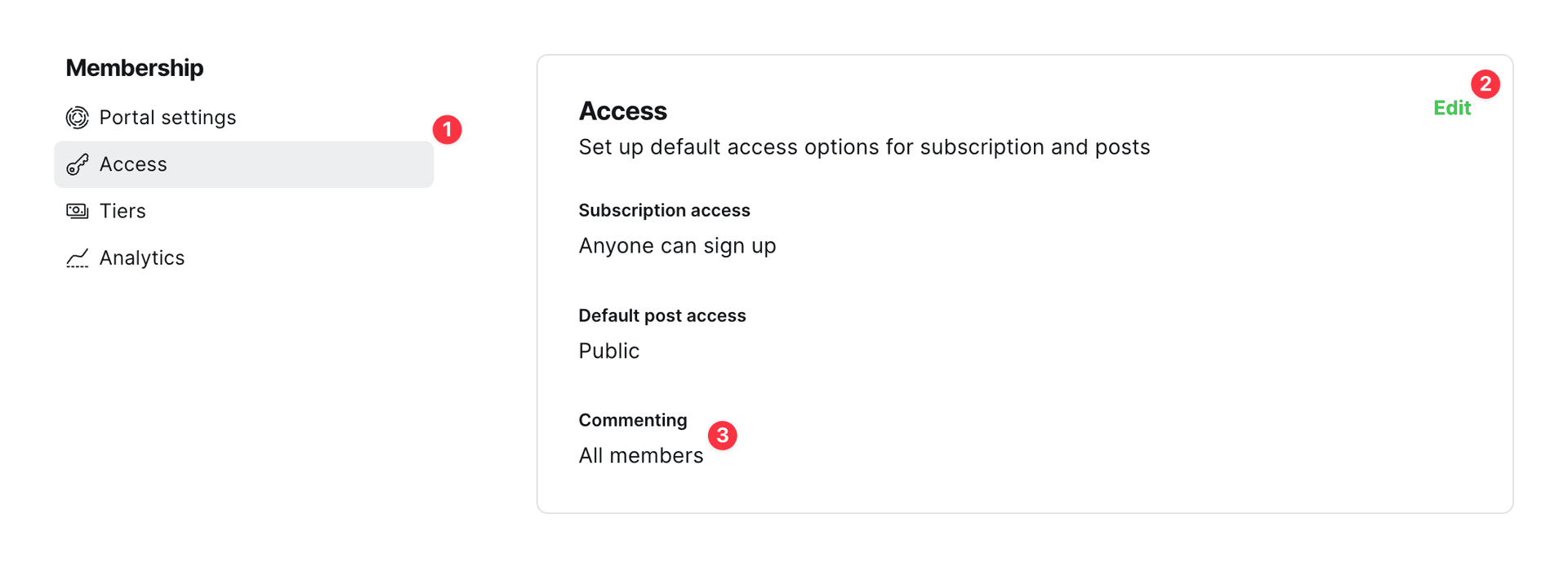
Native Ghost Comments feature is disabled by default. To enable comments in your posts, follow these steps:
- Go to Settings → Membership → Access
- Click Edit
- Set the Commenting option to All members or Paid-members only
Third-party Comments
The theme is also compatible with third-party solutions. You can use any of the available Ghost integrations, and the installation is usually quite simple, you have to just replace the comments placed in /partials/post/comments.hbs to the script provided by third parties.
Some of our favorites: