Sign Up Page
This guide applies to Moment, Aspect, OnFlow, and Format.
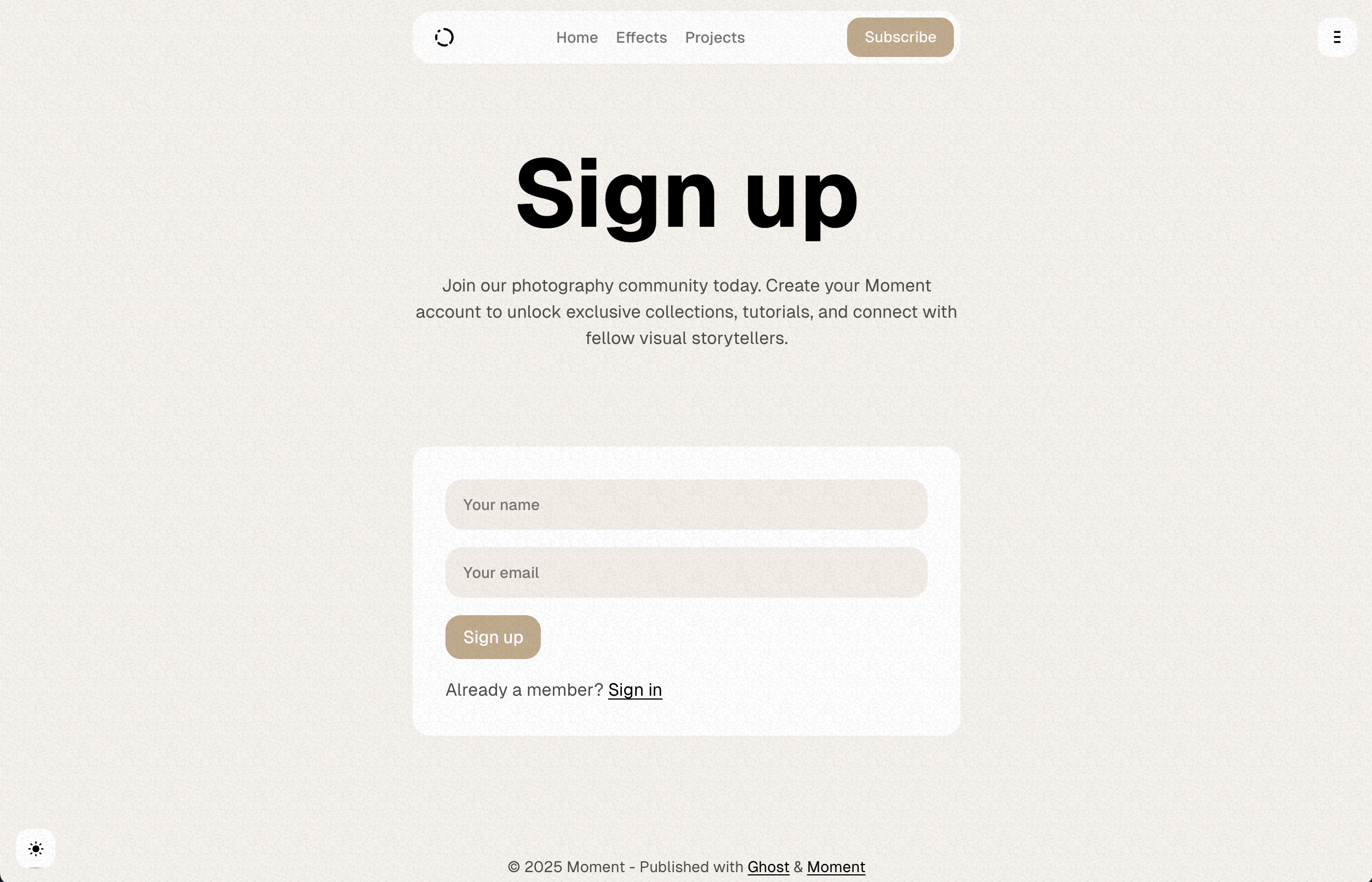
The theme supports a sign up page that allows visitors to create an account on your site.
Routes Setup is required to display this page.
This page will be available at /signup URL automatically. However, to change the page title, feature image, or excerpt, you have to modify the routes.yaml file and create a page in Ghost.
You must uncomment the data: page.signup line in your routes.yaml file and upload it to Ghost for these changes to take effect.
Here’s how to customize it:
- Log in to Ghost admin
- Go to Pages, click New page
- Set the Page title
- Open the Page settings sidebar
- Upload a Feature image (optional)
- Add an Excerpt (optional)
- Specify the Page URL to
signup - Click Publish