Post List Cards
Post cards on the homepage, tag archives, and author pages use a configurable surface style. Essence supports three looks: Liquid, Glass, and Solid.
Change post list card style
- Go to Settings → Site → Design & branding
- Click Customize → Theme → Site wide
- Change Posts list card style
Card styles
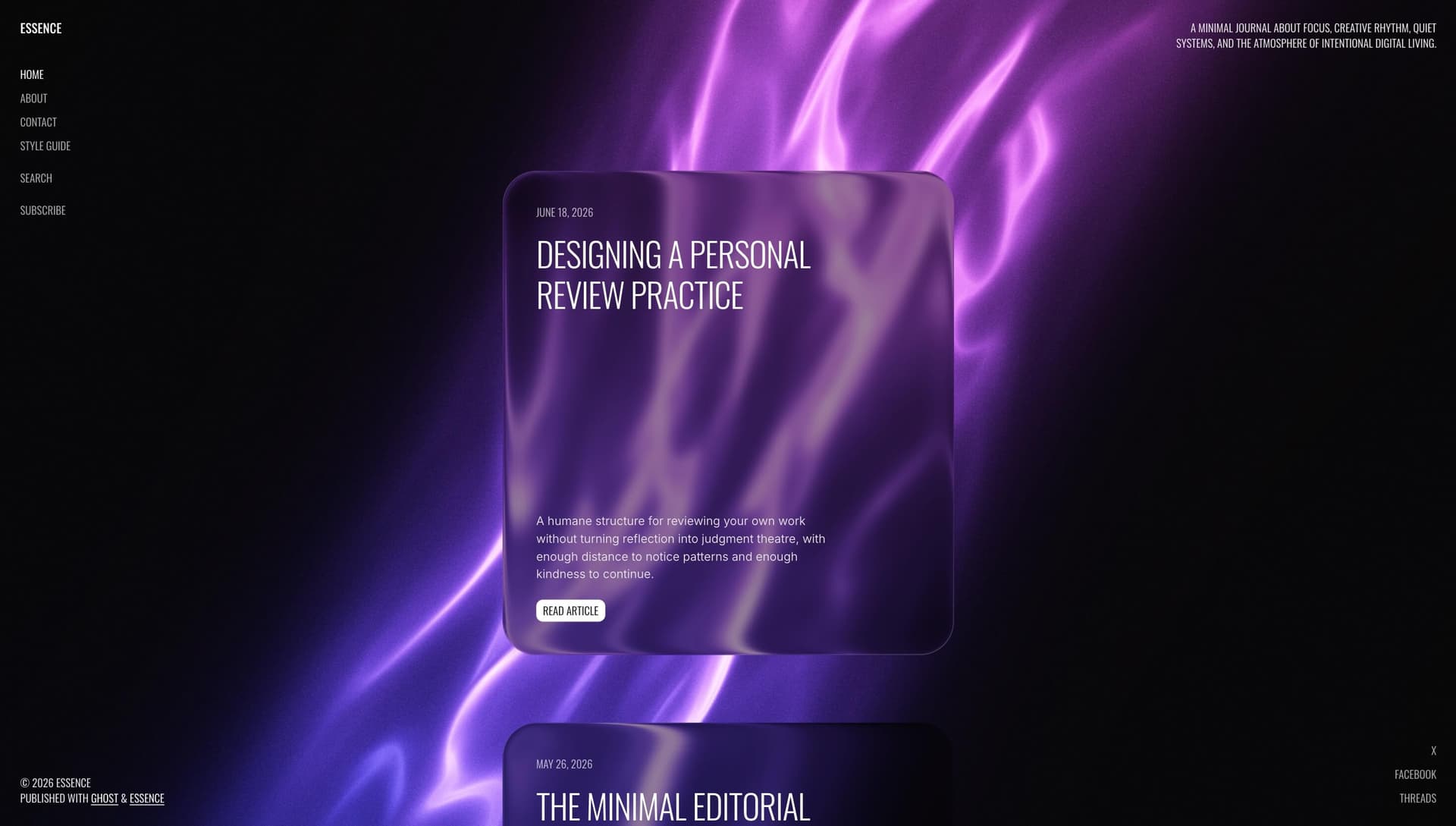
Liquid (default)
Refractive liquid-glass effect with backdrop blur. Cards feel like frosted glass floating over the shader background.
Liquid requires a Chromium-based browser (Chrome, Edge, or Chrome on Android). Firefox and Safari automatically fall back to Glass. See Liquid Glass Fallback.
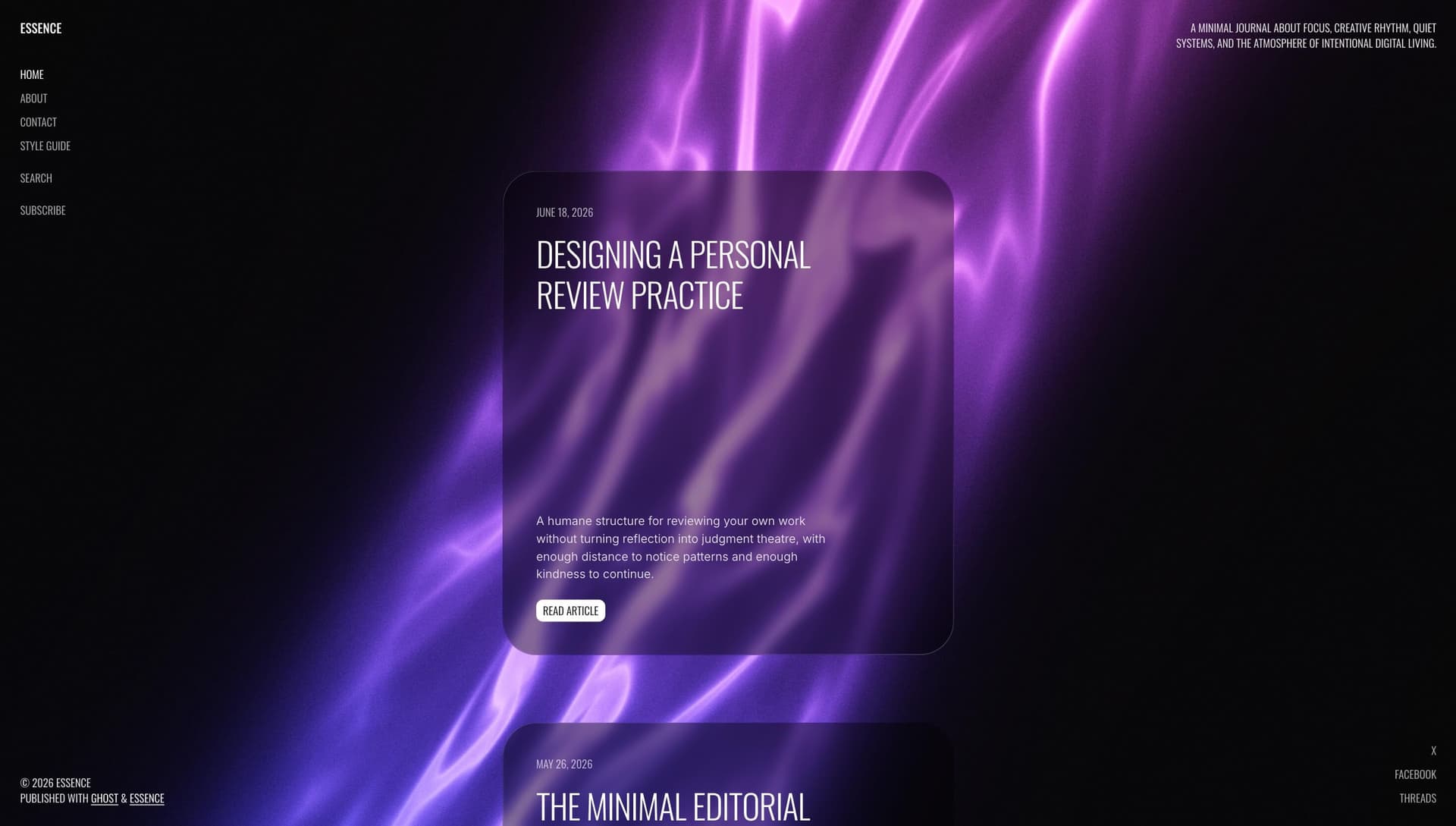
Glass
Frosted backdrop blur without the liquid refraction. Works in all modern browsers.
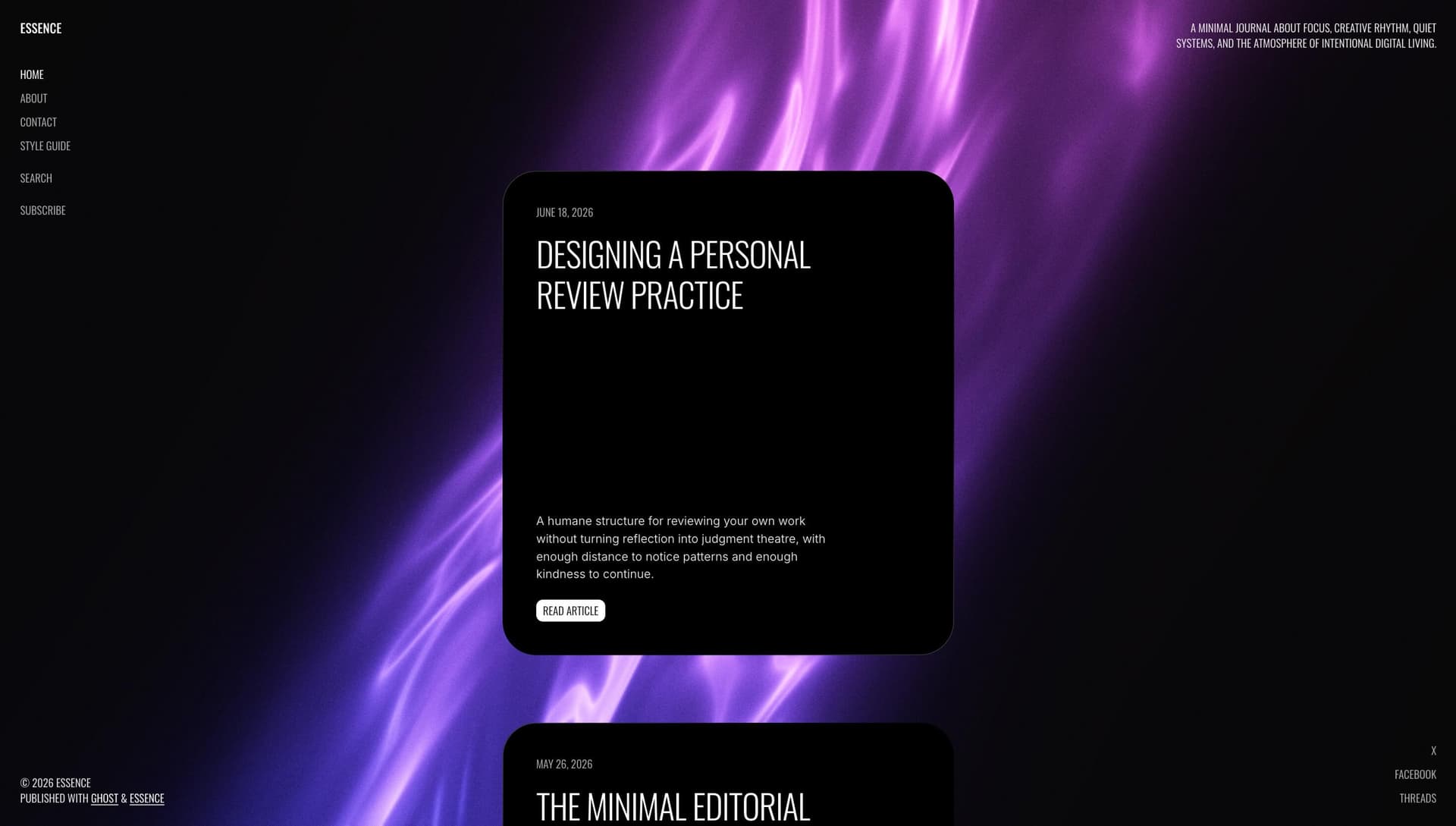
Solid
Opaque dark surface with no blur. Best for performance and for sites using a busy shader or image background.
Blur and shading
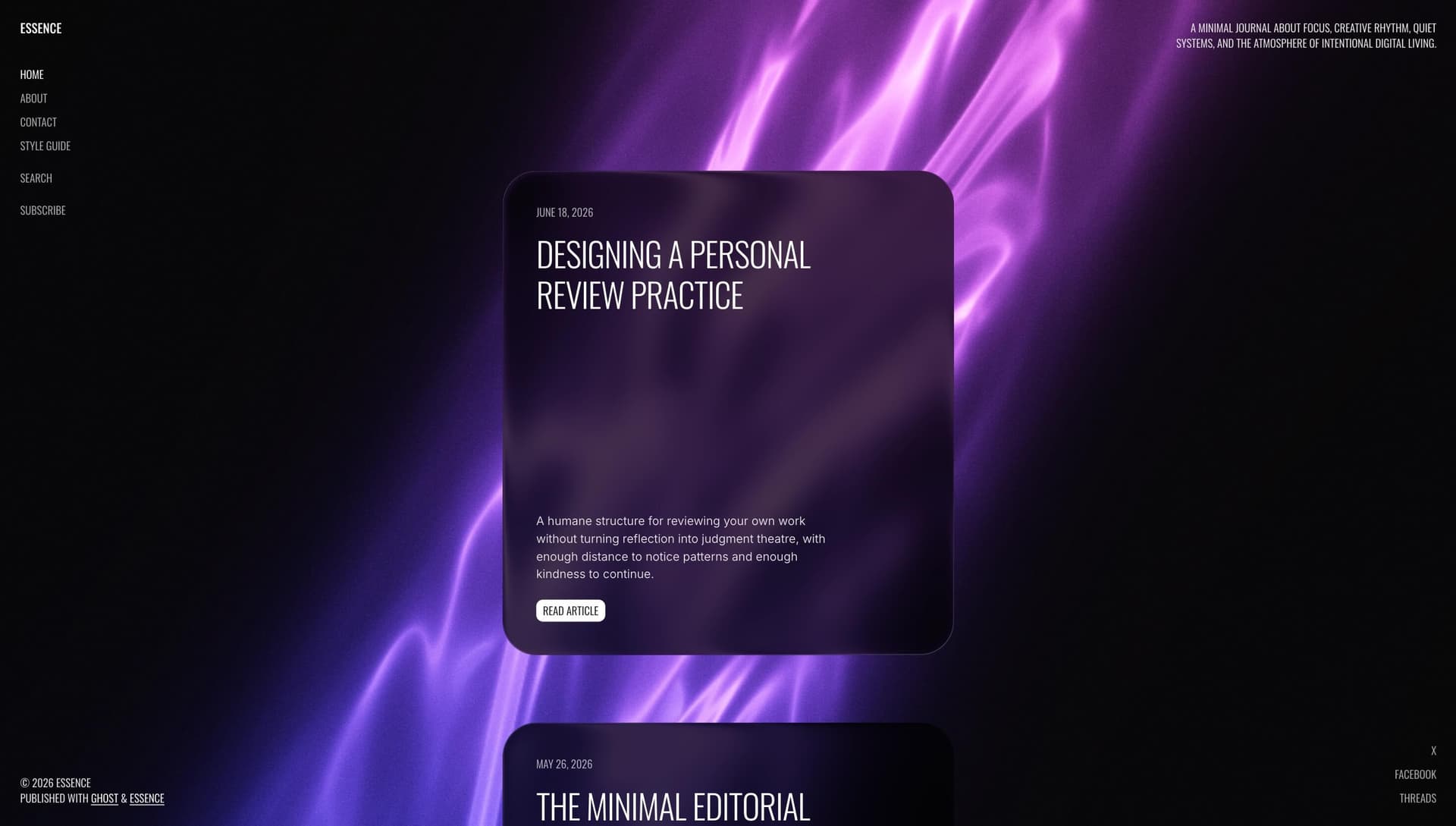
When Posts list card style is Liquid or Glass, two extra settings appear:
| Setting | Options | Effect |
|---|---|---|
| Posts list card blur | None → Heavy (default: Medium) | Backdrop blur strength |
| Posts list card shading | Light → Darker (default: Medium) | Surface dimming over the background |
Higher blur and darker shading improve text contrast on bright shader presets.
Card edge
The Card edge setting adds a border highlight on cards. See Card Edge.