Post & Page Cards
The surface style for single posts, pages, and the comments section is controlled separately from the post list. Default is Solid for readability on long-form content.
Change post and page card style
- Go to Settings → Site → Design & branding
- Click Customize → Theme → Site wide
- Change Post page card style
Where it applies
The Post page card style setting affects:
- Post content cards (
post.hbs) - Page content cards (
page.hbs) - Comments section wrapper
Post list cards use a separate setting. See Post List Cards.
Card styles
Solid (default)
Opaque dark content area. Recommended for long articles and pages where maximum readability matters.
Glass
Frosted backdrop blur around post and page content. Works in all modern browsers.
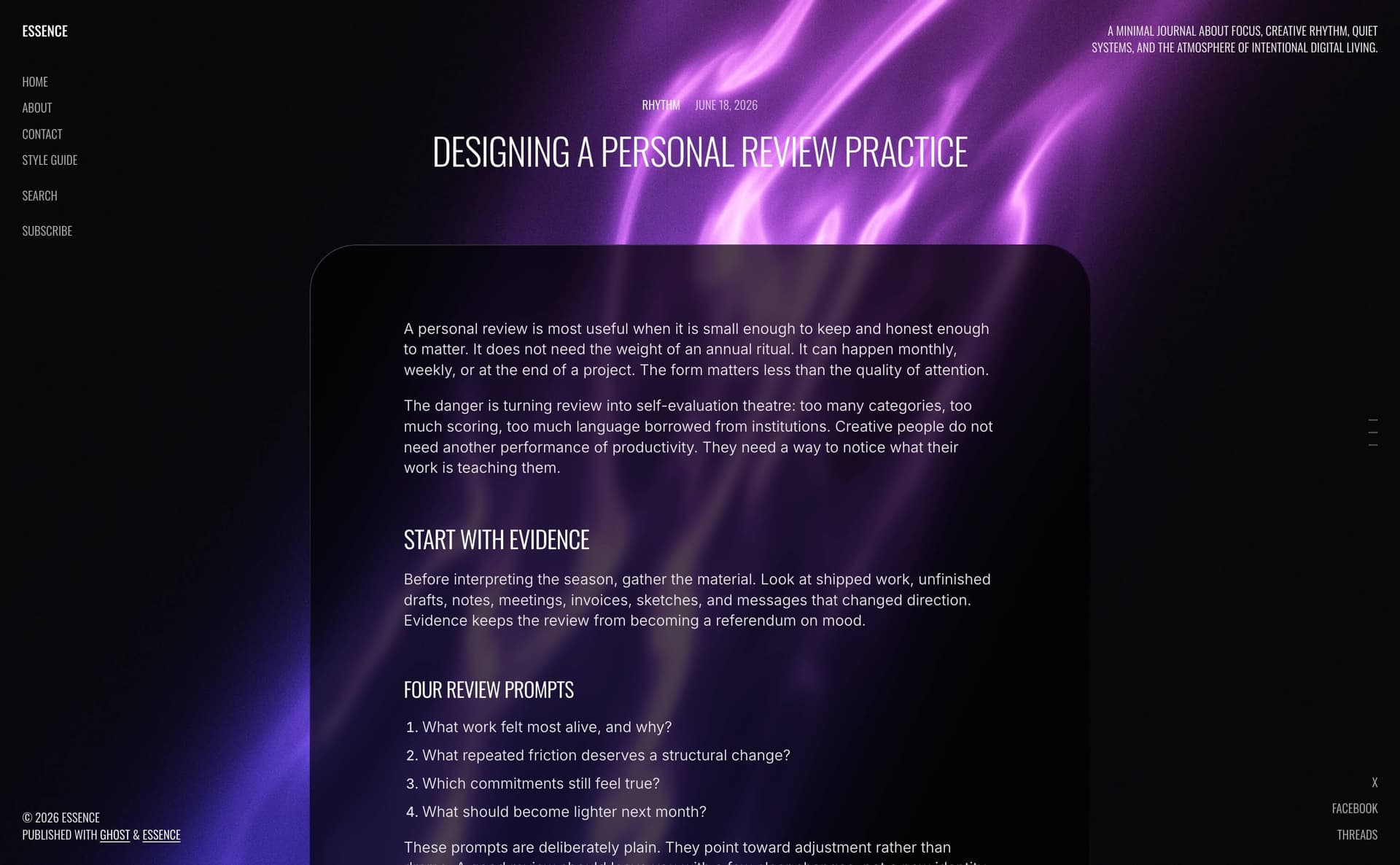
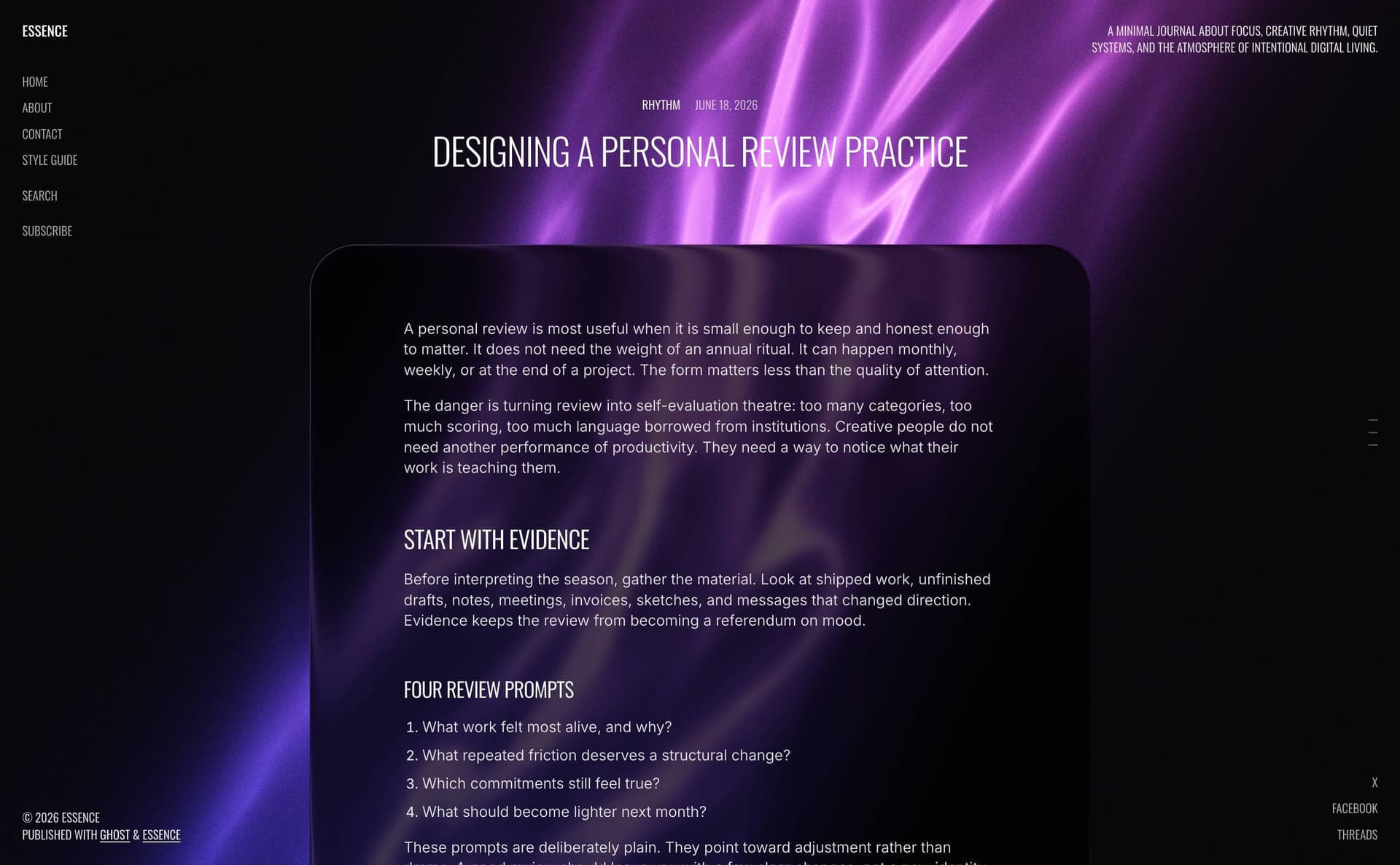
Liquid
Refractive liquid-glass surface matching the post list effect.
Liquid requires Chrome or Edge. Other browsers fall back to Glass automatically.
Blur and shading
When Post page card style is Liquid or Glass:
| Setting | Options | Effect |
|---|---|---|
| Post page card blur | None → Heavy (default: Medium) | Backdrop blur on the content card |
| Post page card shading | Light → Darker (default: Medium) | Surface dimming for contrast |
Comments
The comments section uses the same card style, blur, and shading as posts and pages. Native Ghost comments render inside the matching card surface.