Featured Section
Scope allows you to customize how featured posts are displayed on the homepage.
Change Featured Section Style
- Go to Settings → Site → Design & branding
- Click Customize → Theme → Homepage
- Change the Featured section style setting
Available Styles
Carousel
Horizontal scrolling carousel of featured posts.
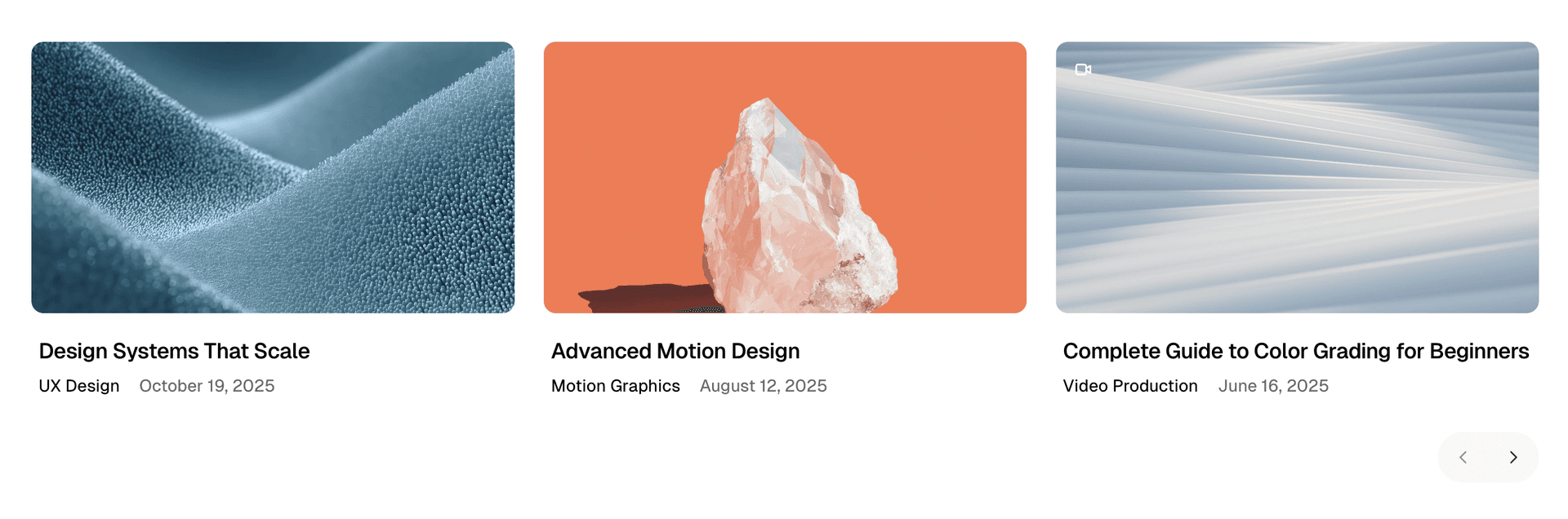
Slider
Full-width slider with navigation arrows.
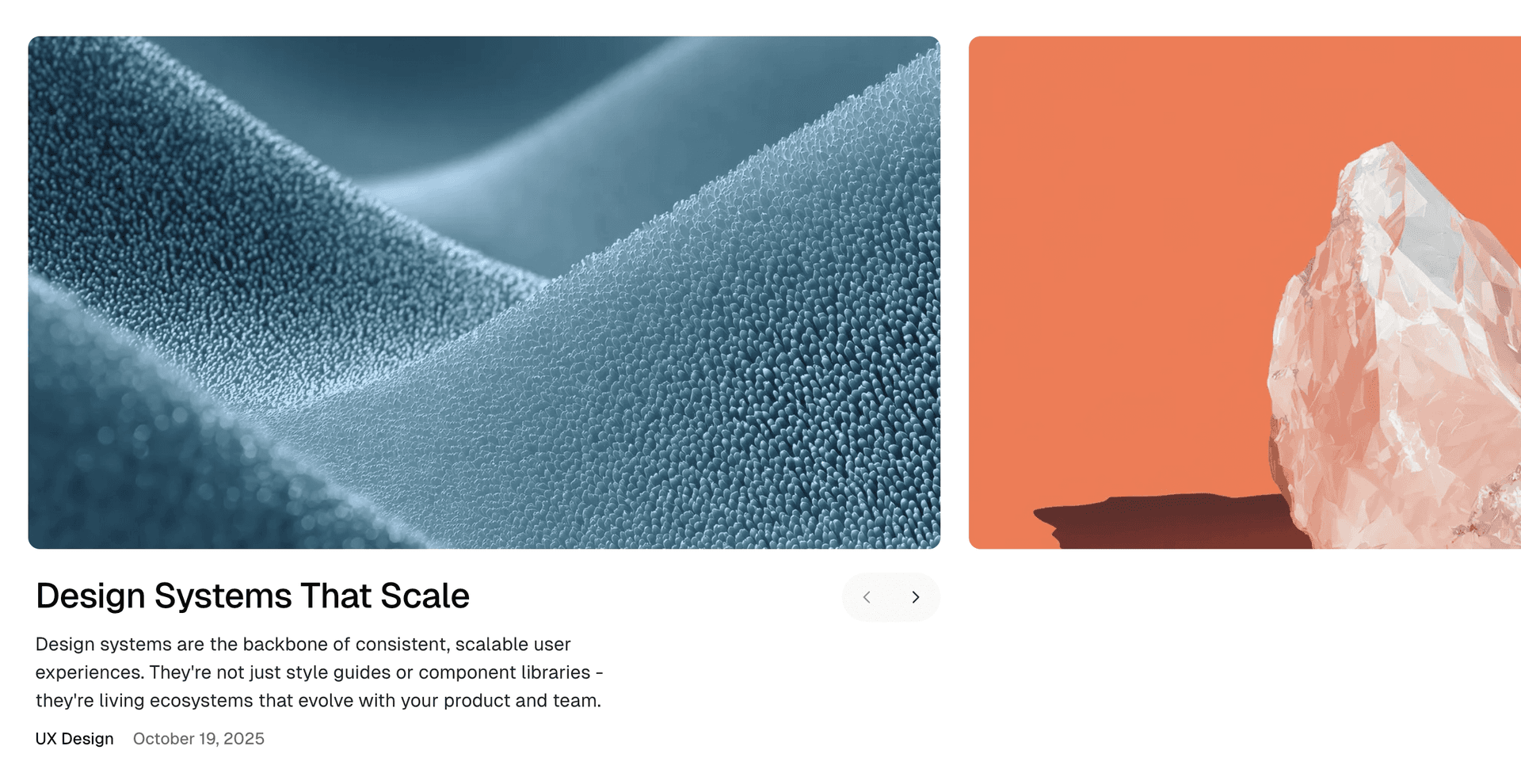
Grid + Card Horizontal
Grid layout with horizontal post cards.
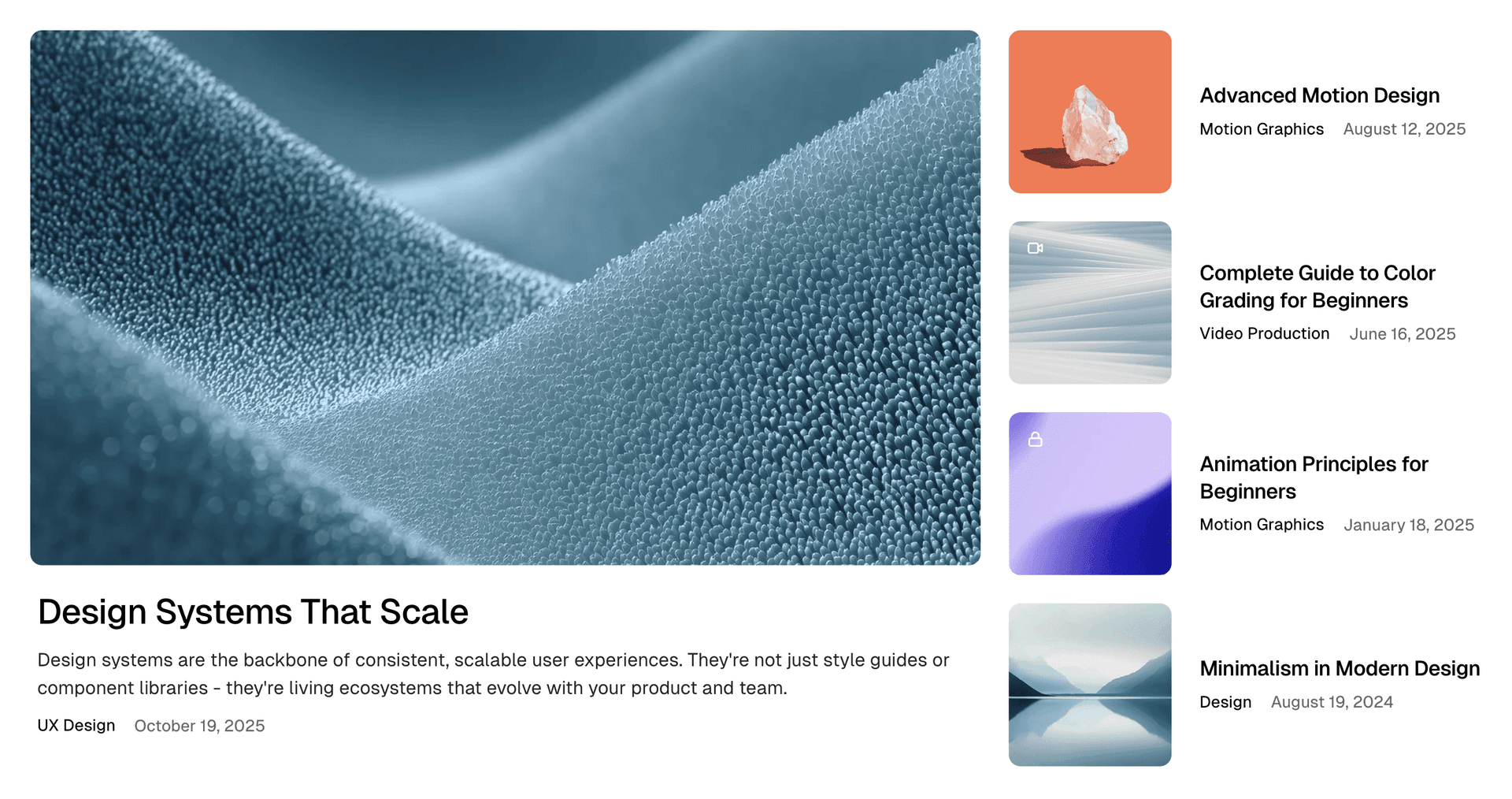
Grid + Card Vertical
Grid layout with vertical post cards (default).
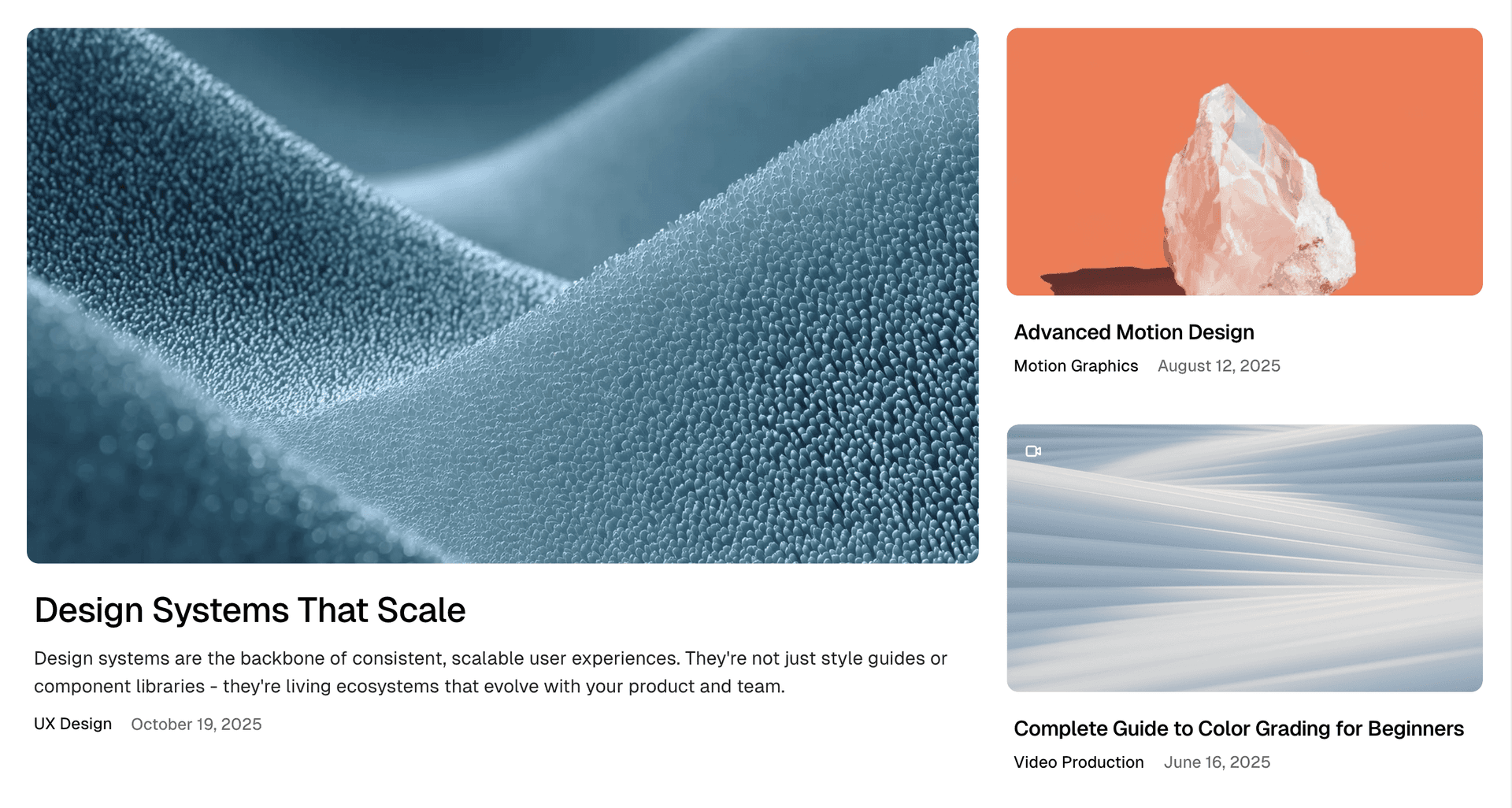
Number of Posts
Every style shows the 10 newest featured posts and stops there. There is no setting for it. The number is a limit value in home.hbs. See Section Limits for every count in the theme and how to change it.
Landing Page Override
When using the Landing Page feature, you can override this setting on a per-section basis using internal tags. See Featured Posts Section for details.