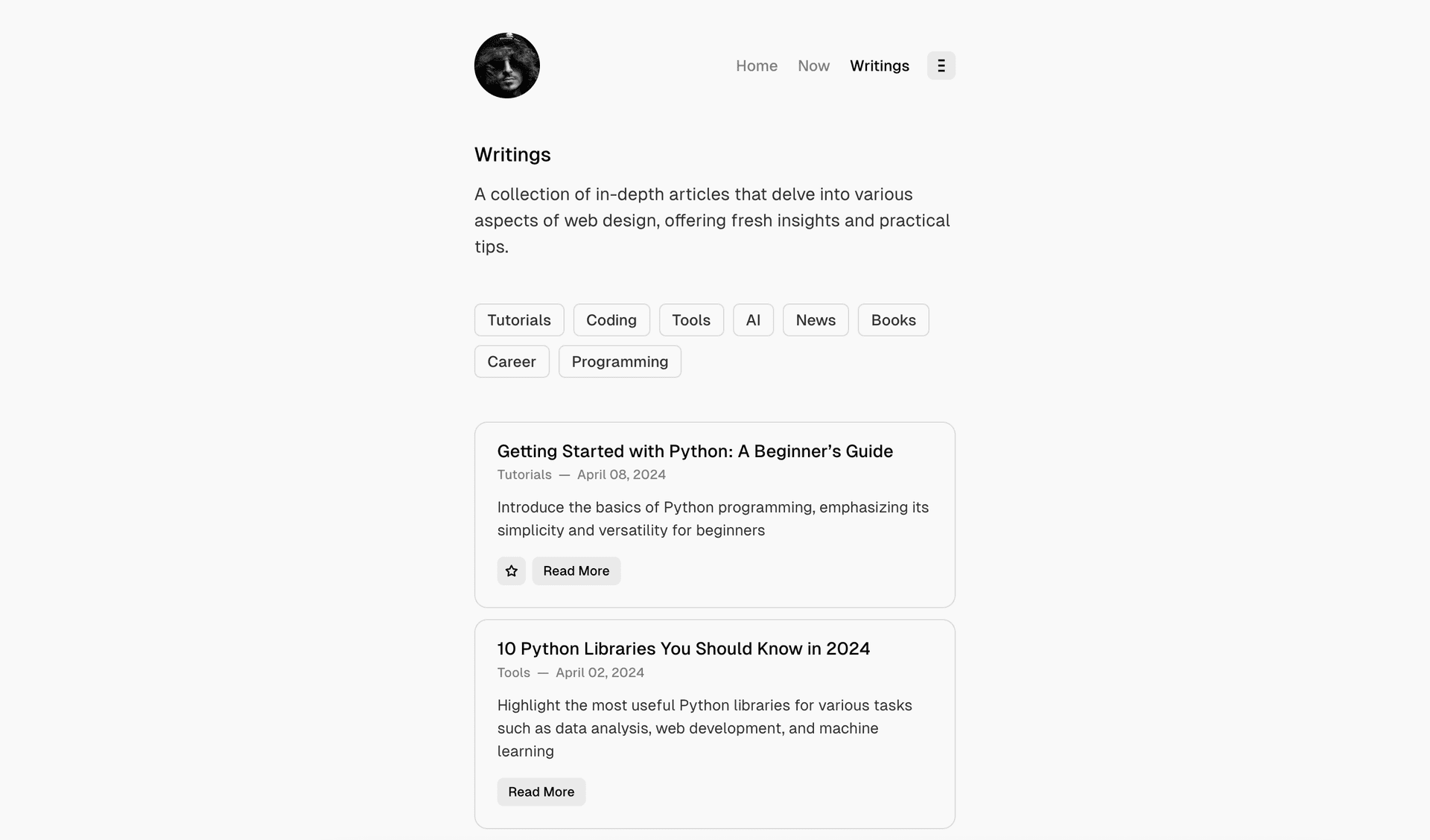
Writings Page
Format comes with predefined Writings page, which contains the list of posts.
Routes Setup is required to display this page.
This page will be available at /writings URL automatically. However, to change the page title, feature image, or excerpt, you have to modify the routes.yaml file and create a page in Ghost.
You must uncomment the data: page.writings line in your routes.yaml file and upload it to Ghost for these changes to take effect.
Here’s how to customize it:
- Log in to Ghost admin
- Go to Pages, click New page
- Set the Page title
- Open the Page settings sidebar
- Upload a Feature image (optional)
- Add an Excerpt (optional)
- Specify the Page URL to
writings - Click Publish
Posts List Style
Format theme comes with different posts list styles for writings, tag and author pages.
- Cards
- Full
- List
- List Minimal
To change the list style, follow these steps:
- Go to Settings → Site → Design & branding
- Click Customize → Theme → Site wide
- Change the list style in Posts list style setting