Portal Signup Button
Feed theme includes a customized Sign Up button within the subscription form. This button is located in the sidebar on all posts and in one of the homepage sections.
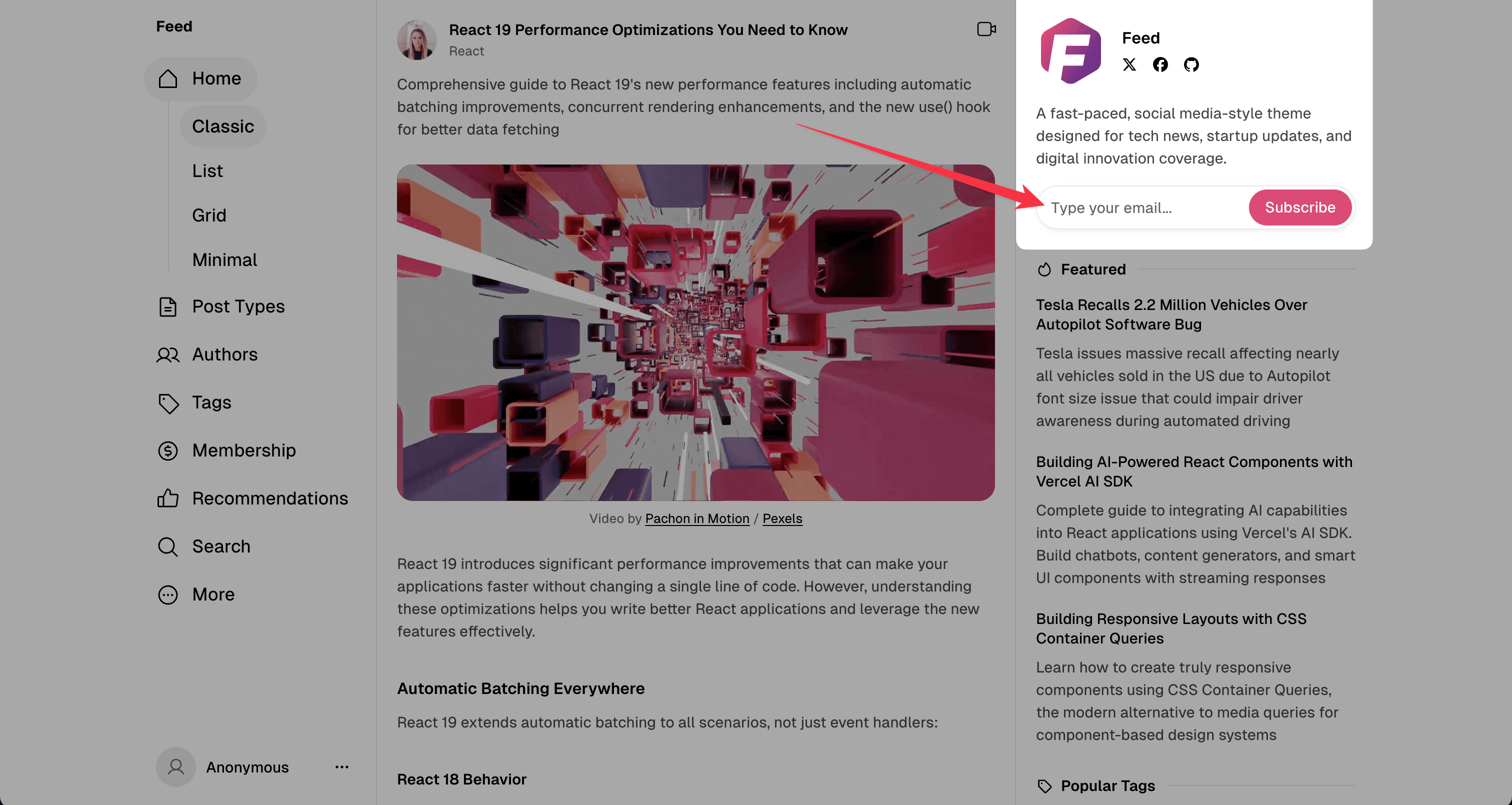
Change custom portal button
You can change texts and logo in this widget with these options:
-
Logo in widget header
- Upload or replace your site icon in Ghost Admin (Settings → Site → Design & branding)
- Detailed steps are here: /docs/feed/settings-sitewide/logos/
-
Widget title and description
- In Ghost Admin, open Settings → General
- Update your Site title and Site description
- These values are shown in the subscribe widget automatically
-
Button text (
Subscribe)- Open Ghost Admin → Settings → Membership → Portal settings
- Click Customize → Look & feel
- Change Signup button text and save
-
Input placeholder and success message
- These are standard theme texts (for example,
Type your email...and confirmation message after submit) - To edit them, follow this guide: /docs/feed/advanced-theme-translation/
- These are standard theme texts (for example,
Restore standard Ghost Sign Up button
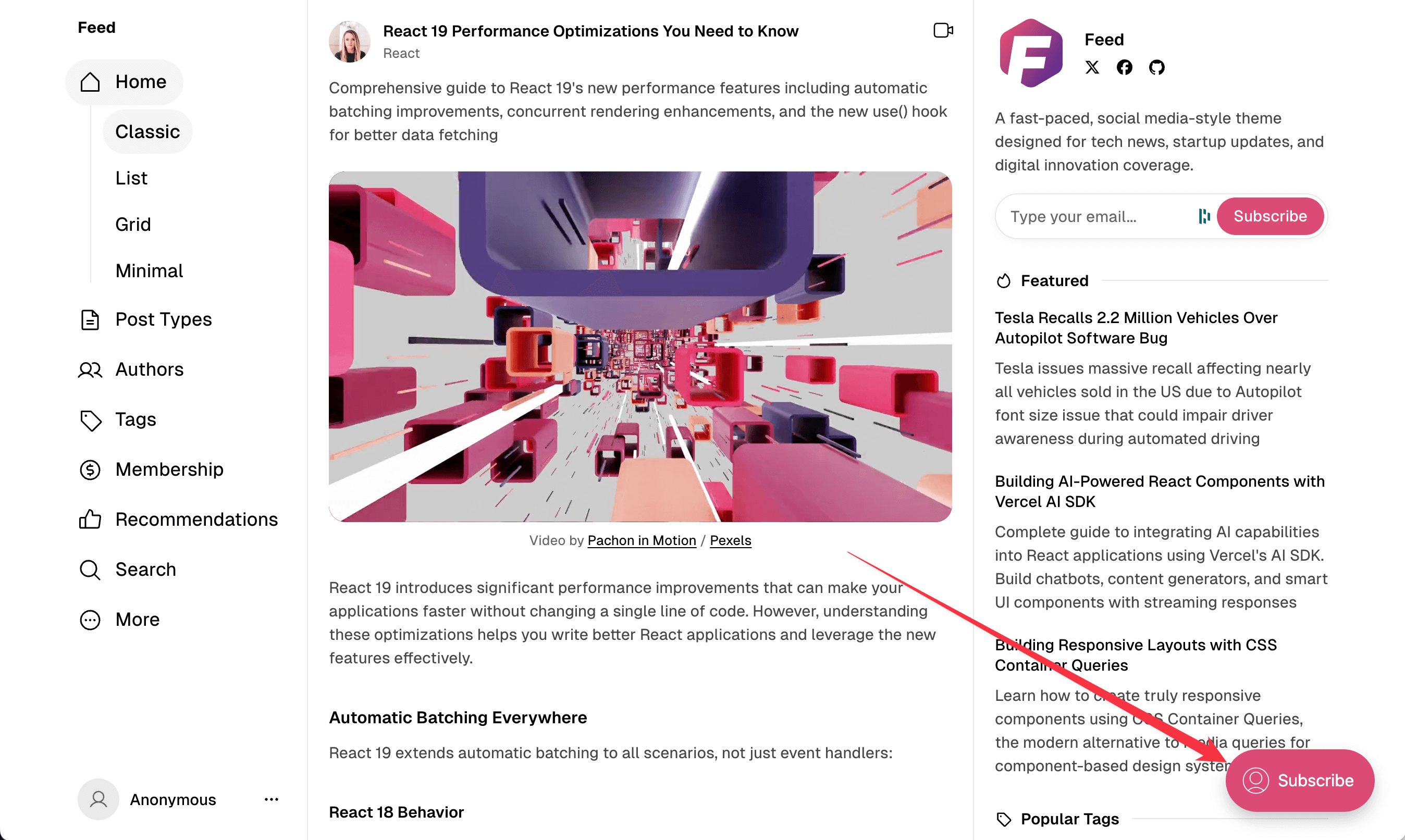
Code Injection is required to add custom CSS.
Standard Ghost button is hidden using CSS, but you can restore it with custom CSS if you want.
<style>
#ghost-portal-root > iframe {
    display: block !important;
}
</style>