Latest Posts Section
The Latest Posts section automatically displays your most recent blog posts on the landing page. This keeps your landing page fresh with new content.
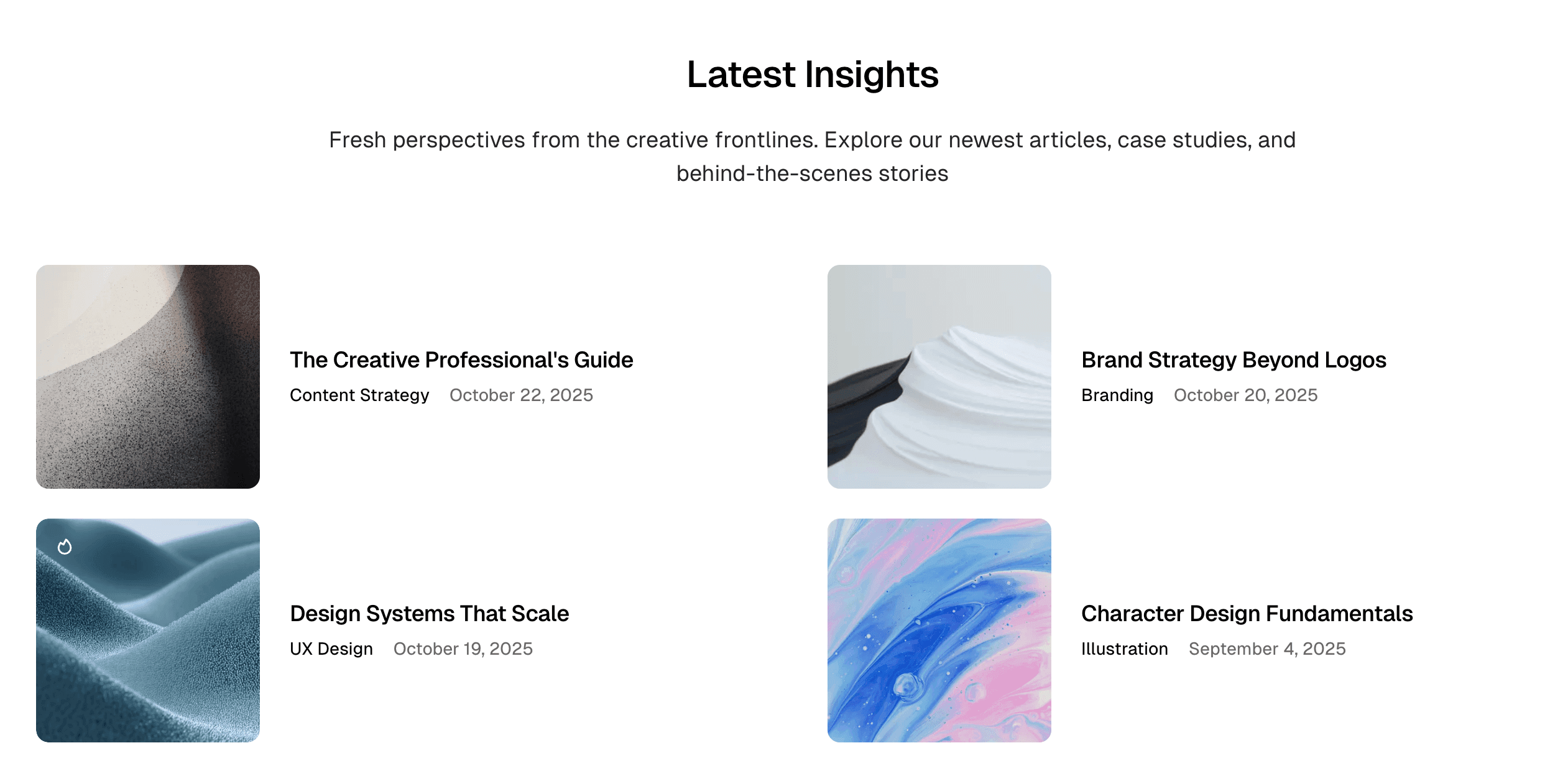
Creating a Latest Posts Section
- Log in to Ghost admin
- Go to Pages, click New page
- Set the Page title (e.g., “Latest Insights” or “Recent Posts”)
- Optionally add an Excerpt for a section description
- Open the Page settings sidebar
- Add these internal tags:
#landing,#landing-latest-posts - Click Publish
Required Tags
| Internal Tag | Description |
|---|---|
#landing | Required for all landing sections |
#landing-latest-posts | Displays your latest posts |
Display Styles
Choose how latest posts are displayed using style tags:
| Internal Tag | Description |
|---|---|
#landing-style-list | Compact list layout |
#landing-style-grid-horizontal | Grid with horizontal post cards |
#landing-style-grid-vertical | Grid with vertical post cards |
If no style tag is specified, the section uses your theme’s default posts list style (configurable in Design settings).
List Style
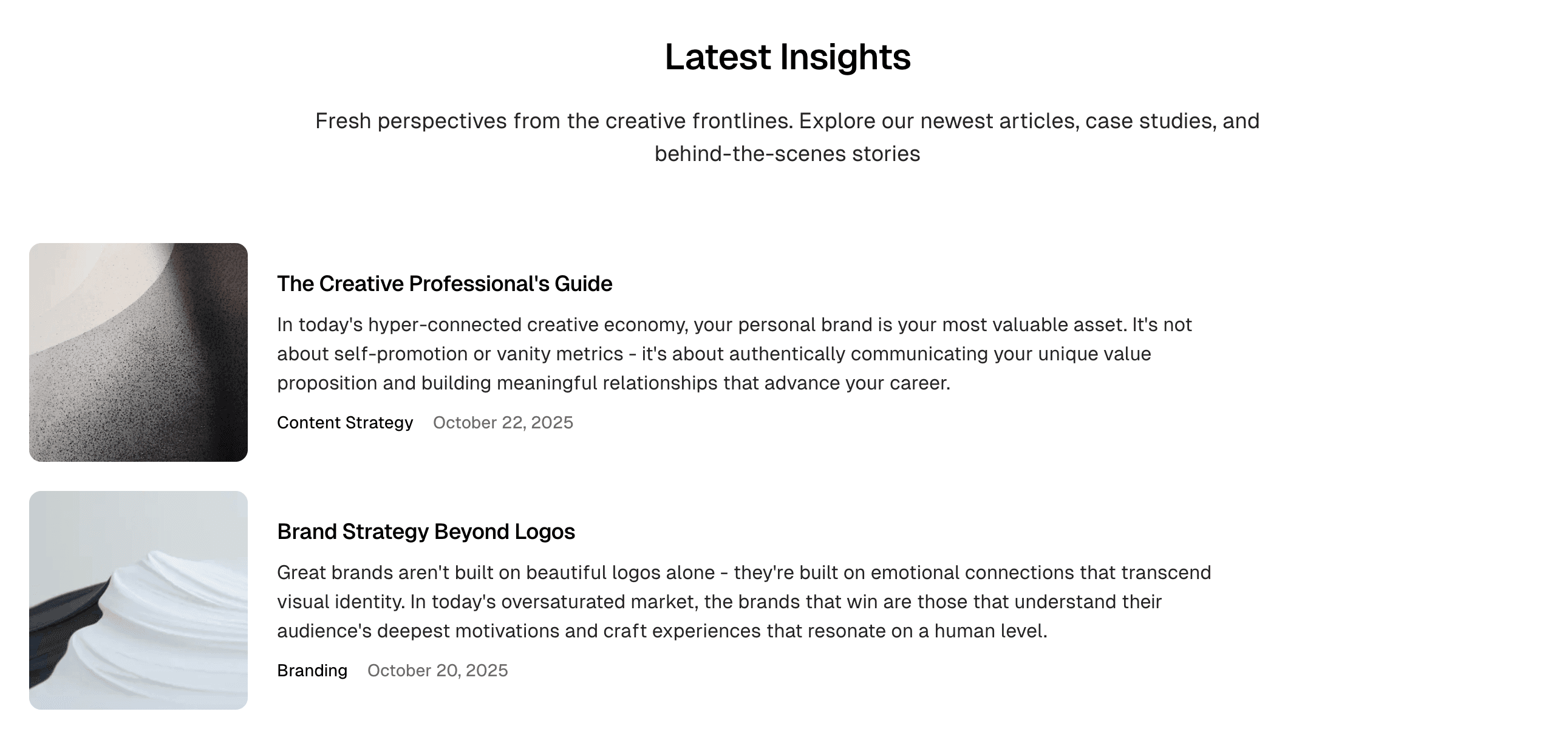
Best for: Compact display, text-focused blogs, many posts
#landing
#landing-latest-posts
#landing-style-list
Grid Horizontal Style
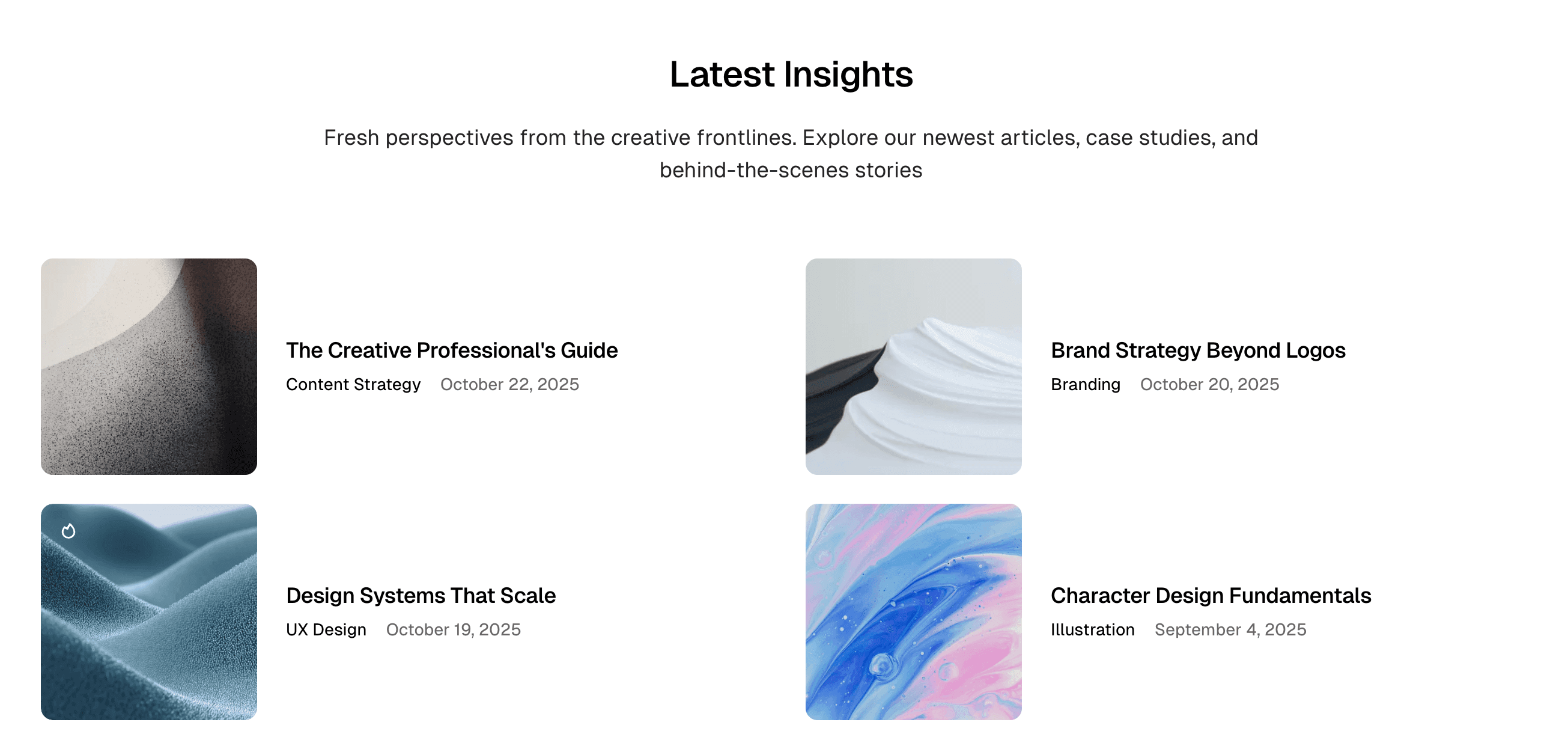
Best for: Visual blogs, balanced image/text display
#landing
#landing-latest-posts
#landing-style-grid-horizontal
Grid Vertical Style
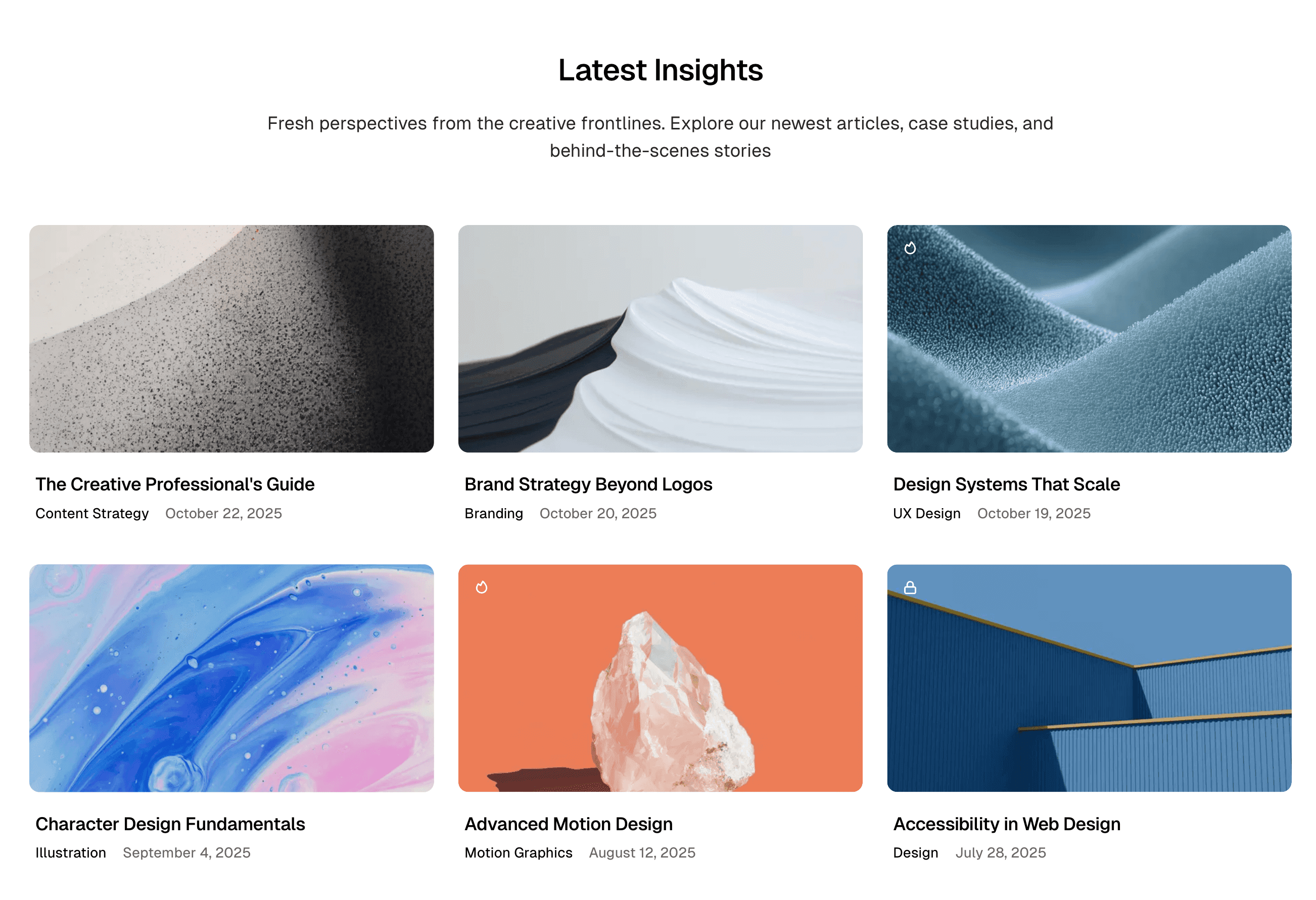
Best for: Image-heavy blogs, traditional card layout
#landing
#landing-latest-posts
#landing-style-grid-vertical
Optional Settings
Combine with other settings for more control:
| Internal Tag | Effect |
|---|---|
#landing-hide-title | Hide the section heading |
#landing-container-wide | Wider section layout |