Posts List
Scope allows you to customize how the posts list is displayed on the homepage and blog pages.
Change Posts List Style
- Go to Settings → Site → Design & branding
- Click Customize → Theme → Homepage
- Change the Posts list style setting
Available Styles
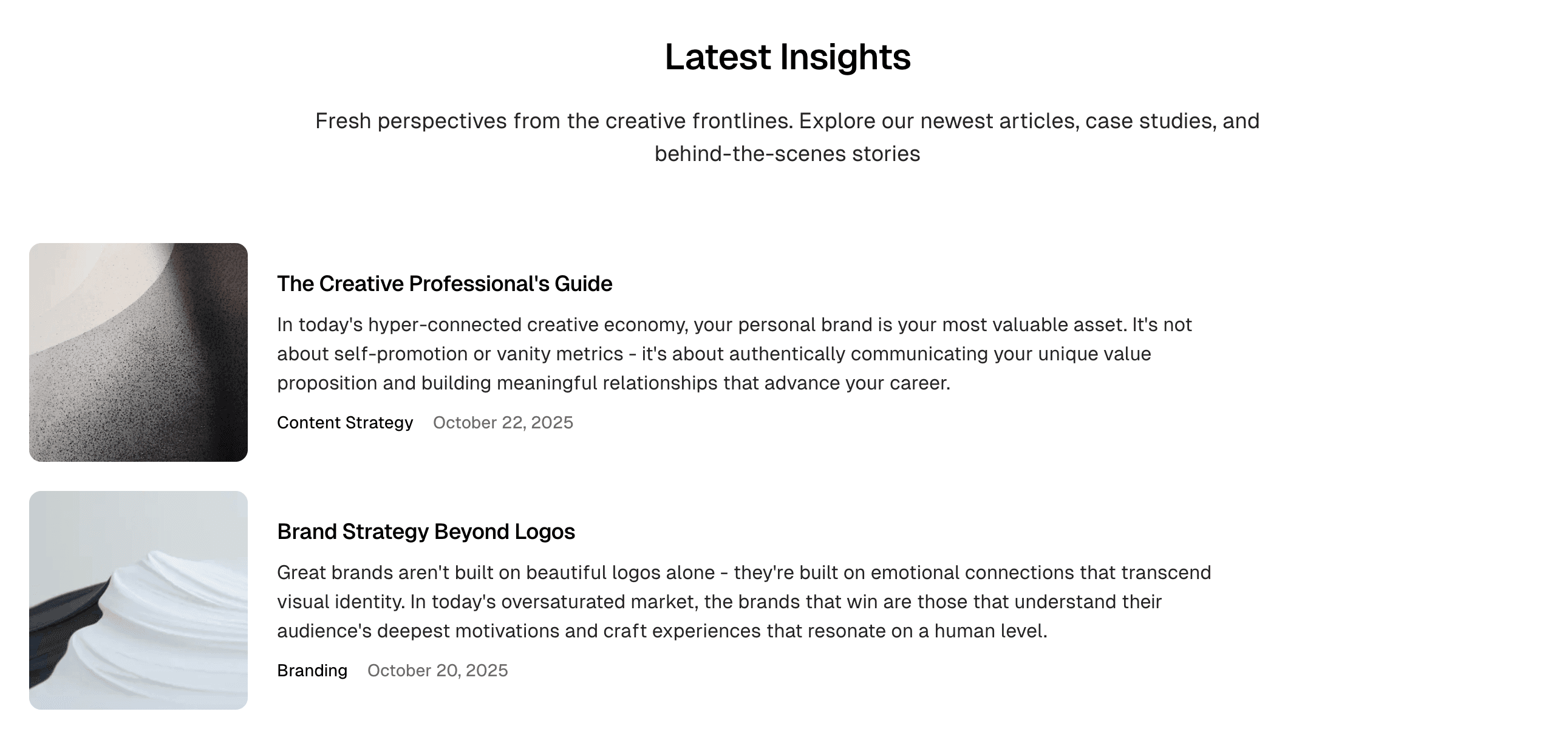
List
Compact list layout with minimal imagery.
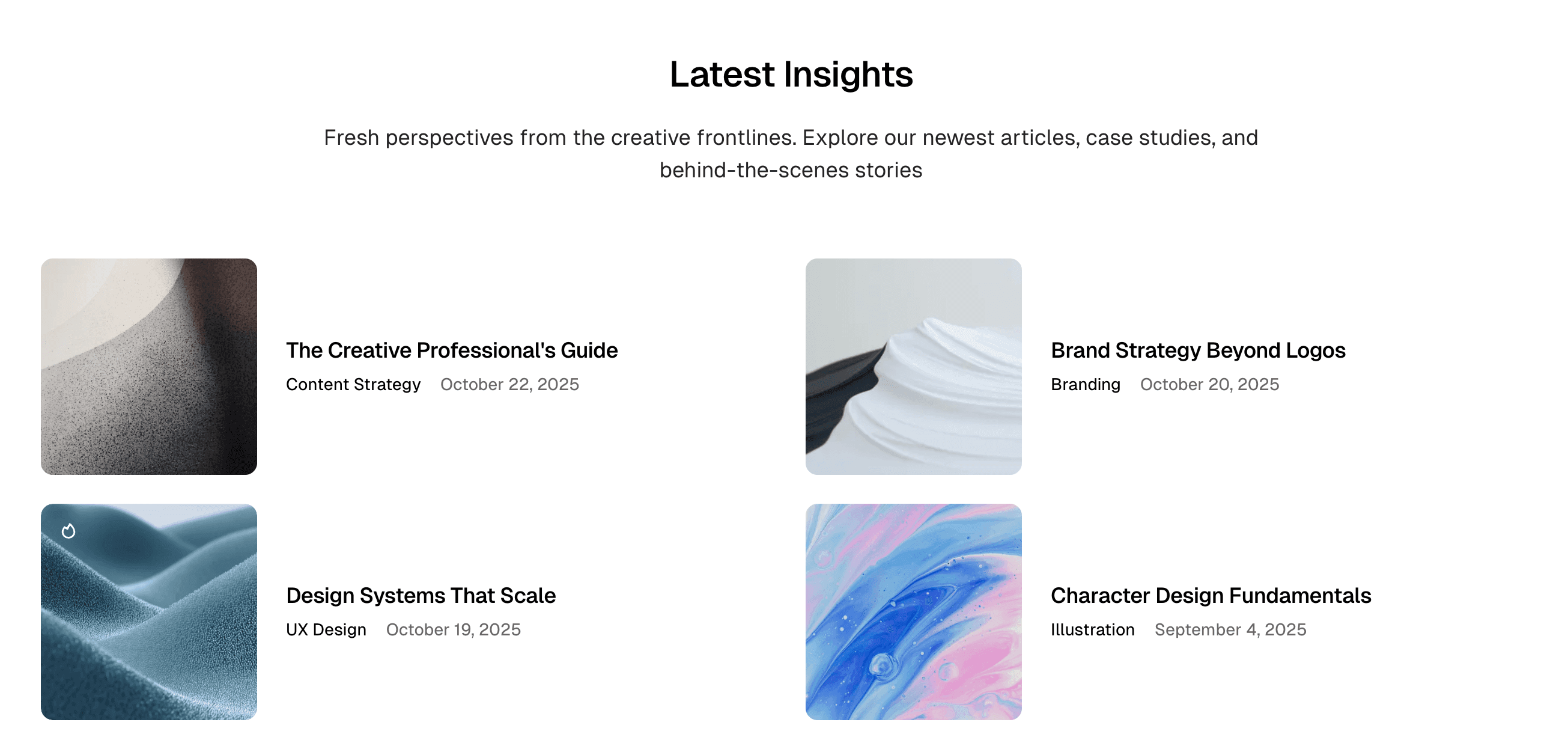
Grid + Card Horizontal
Grid layout with horizontal post cards (default).
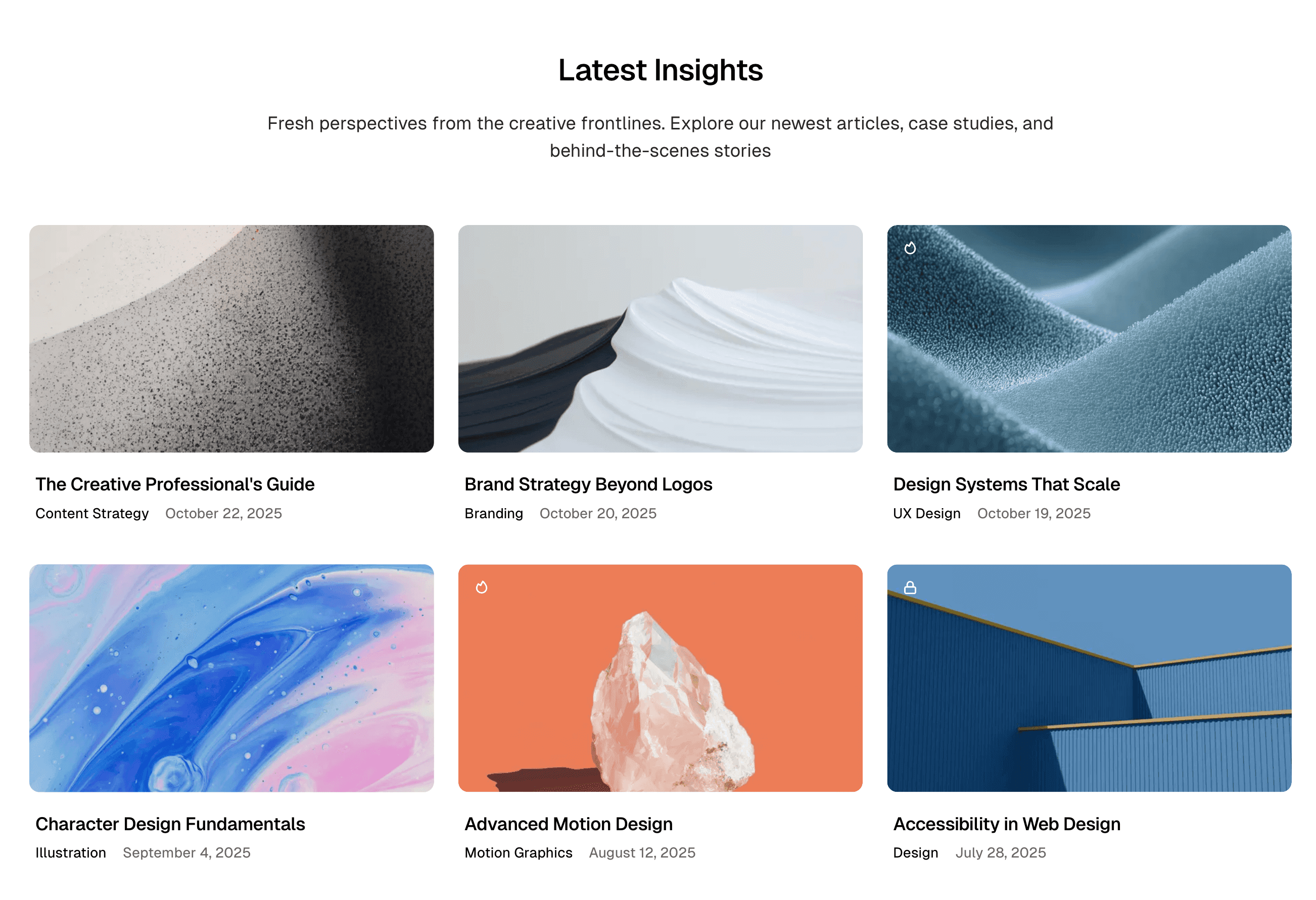
Grid + Card Vertical
Grid layout with vertical post cards.
Landing Page Override
When using the Landing Page feature, you can override this setting on a per-section basis using internal tags. See Latest Posts Section for details.