Portal Signup Button
Thoughts theme includes a customized Sign Up button within the subscription form. This button is located in the sidebar on all posts and in one of the homepage sections.
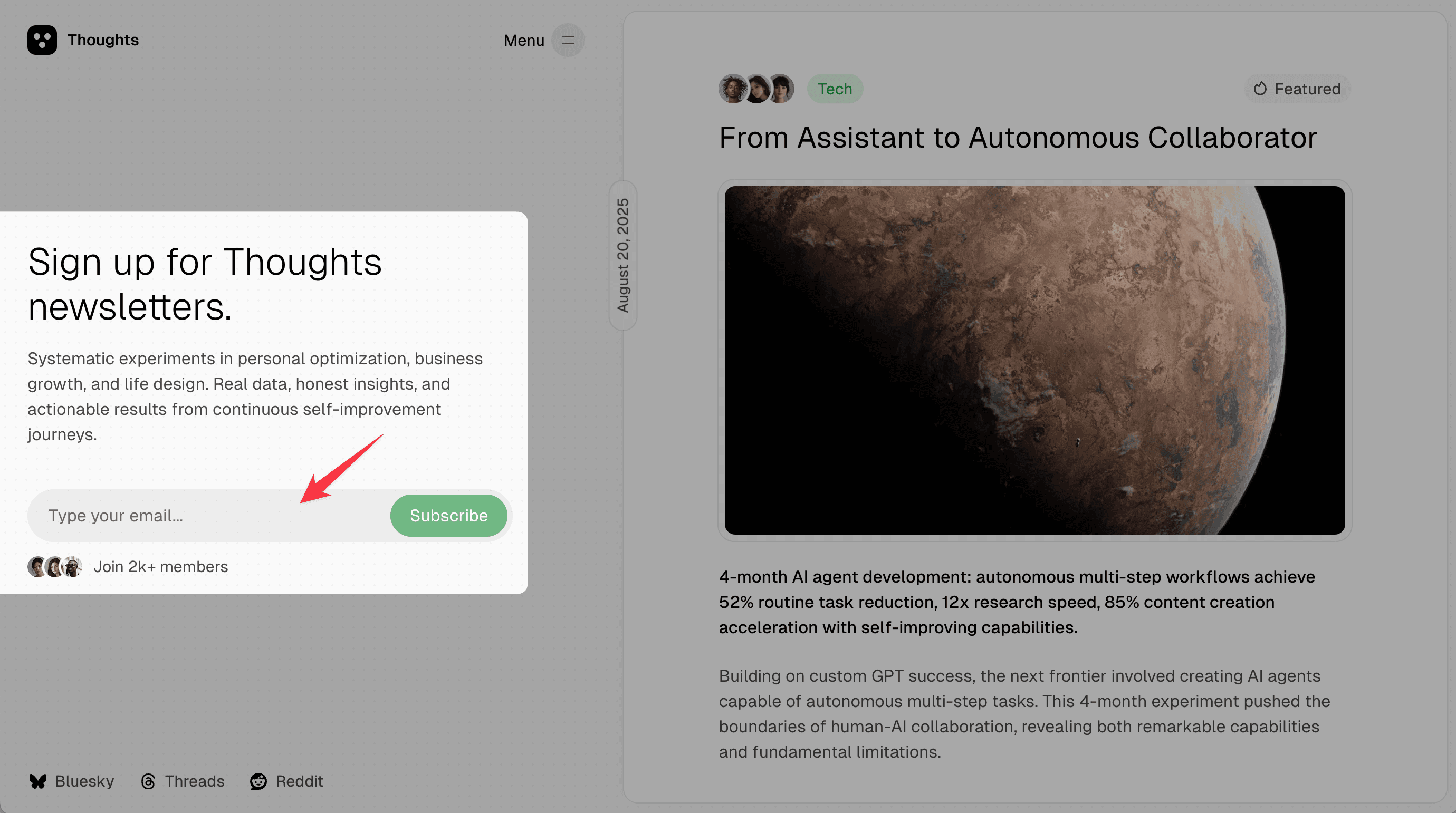
Change signup form title and description
You can change the signup form text on the homepage via the custom page. The steps are described in this article - /docs/thoughts/custom-homepage-hero-section/
Change join text and avatars
Below the signup form there is the text “Join 2k+ members” and three avatars. To change the text, replace the string in the translation file as described here - /docs/thoughts/advanced-theme-translation/
If you want to change the images, customize the theme file partials/form-subscribe.hbs.
Restore standard Ghost Sign Up button
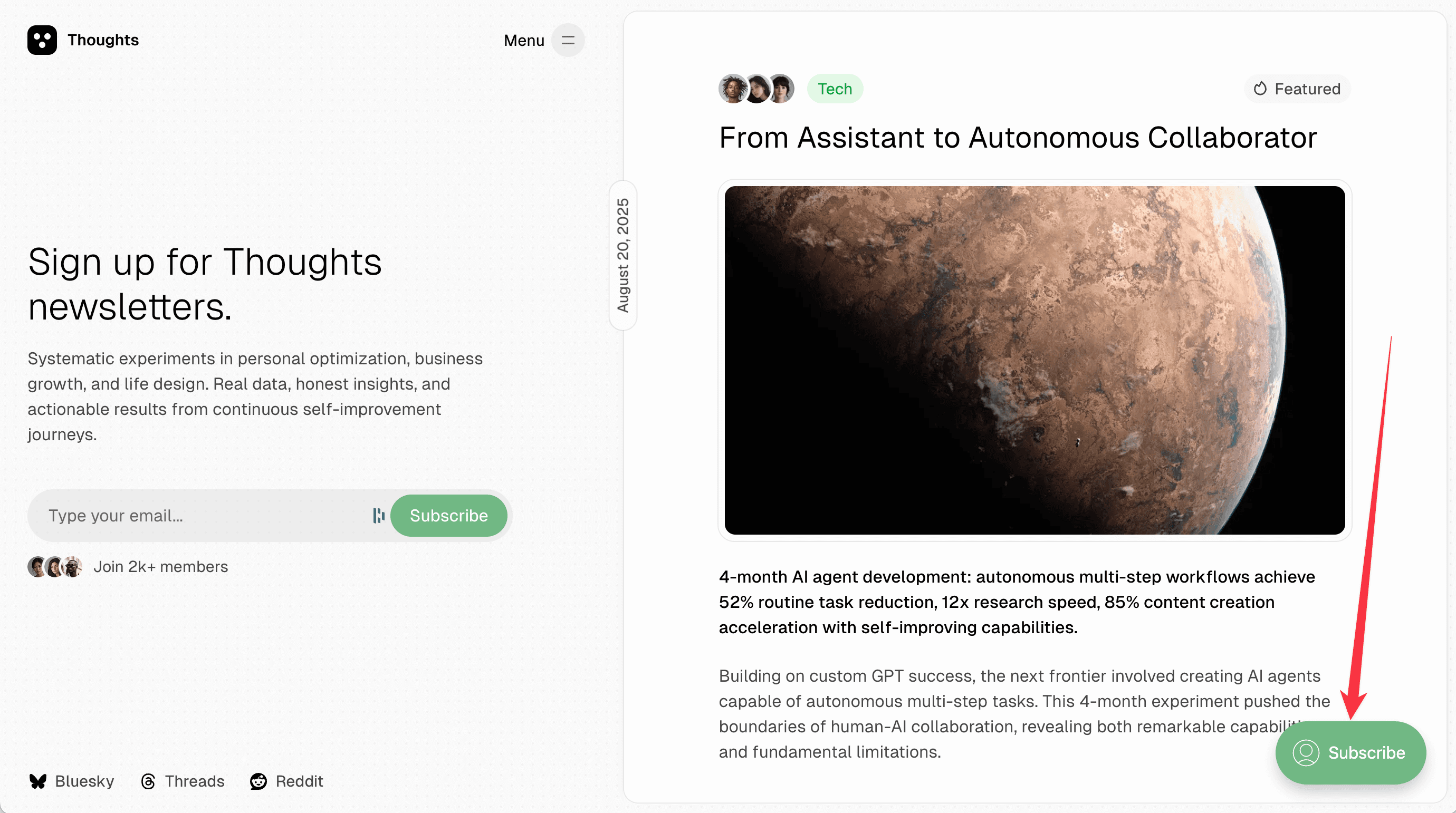
Code Injection is required to add custom CSS.
Standard Ghost button is hidden using CSS, but you can restore it with custom CSS if you want.
<style>
#ghost-portal-root > iframe {
    display: block !important;
}
</style>