Automating Theme Deployment with GitHub Actions
Automate your Ghost theme deployment using GitHub Actions. This guide shows you how to set up a workflow that builds and deploys your theme every time you push changes to your repository.
Why Use GitHub Actions?
- Automated deployment: Deploy your theme with a simple git push.
- Consistent builds: Always build your theme in a clean, repeatable environment.
- Version control: Track every change to your theme code.
- Team collaboration: Make it easier for multiple people to work on your theme.
Prerequisites
Make sure you have:
- A GitHub account
- Your theme code in a GitHub repository
- Admin access to your Ghost site
- A Ghost Admin API key
1. Prepare Your GitHub Repository
If you don’t already have one:
- Create a new repository on GitHub.
- Clone it to your local machine.
- Copy your theme files into the repo.
- Commit and push the changes.
2. Get a Ghost Admin API Key
- Log in to Ghost Admin.
- Go to Settings → Integrations.
- Click + Add custom integration.
- Name it (e.g., “GitHub Theme Deployment”) and click Create.
- Copy the Admin API Key and API URL for later use.
3. Add GitHub Secrets
- In your GitHub repository, go to Settings → Secrets and variables → Actions.
- Click New repository secret and add:
GHOST_ADMIN_API_KEY: Your Admin API KeyGHOST_ADMIN_API_URL: Your API URL (e.g.,https://yourblog.com/ghost/api)
4. Create the GitHub Actions Workflow
- In your repo, create a folder:
.github/workflows - Add a file named
deploy-theme.ymlwith this content:
name: Deploy Ghost Theme

on:
  workflow_dispatch:  # Allows manual triggering
  push:
    branches:
      - master
      - main

jobs:
  build-and-deploy:
    runs-on: ubuntu-latest
    steps:
      - name: Checkout code
        uses: actions/checkout@v4

      - name: Setup Node.js
        uses: actions/setup-node@v4
        with:
          node-version: '18'
          cache: 'npm'

      - name: Install dependencies
        run: npm install

      - name: Build theme
        run: npm run build:prod

      - name: Deploy to Ghost
        uses: TryGhost/action-deploy-theme@v1
        with:
          api-url: ${{ secrets.GHOST_ADMIN_API_URL }}
api-key: ${{ secrets.GHOST_ADMIN_API_KEY }}- Commit and push this file.
5. Using the Workflow
- Make changes to your theme locally.
- Commit and push to GitHub.
- GitHub Actions will automatically:
- Build your theme
- Create a zip
- Deploy it to your Ghost site
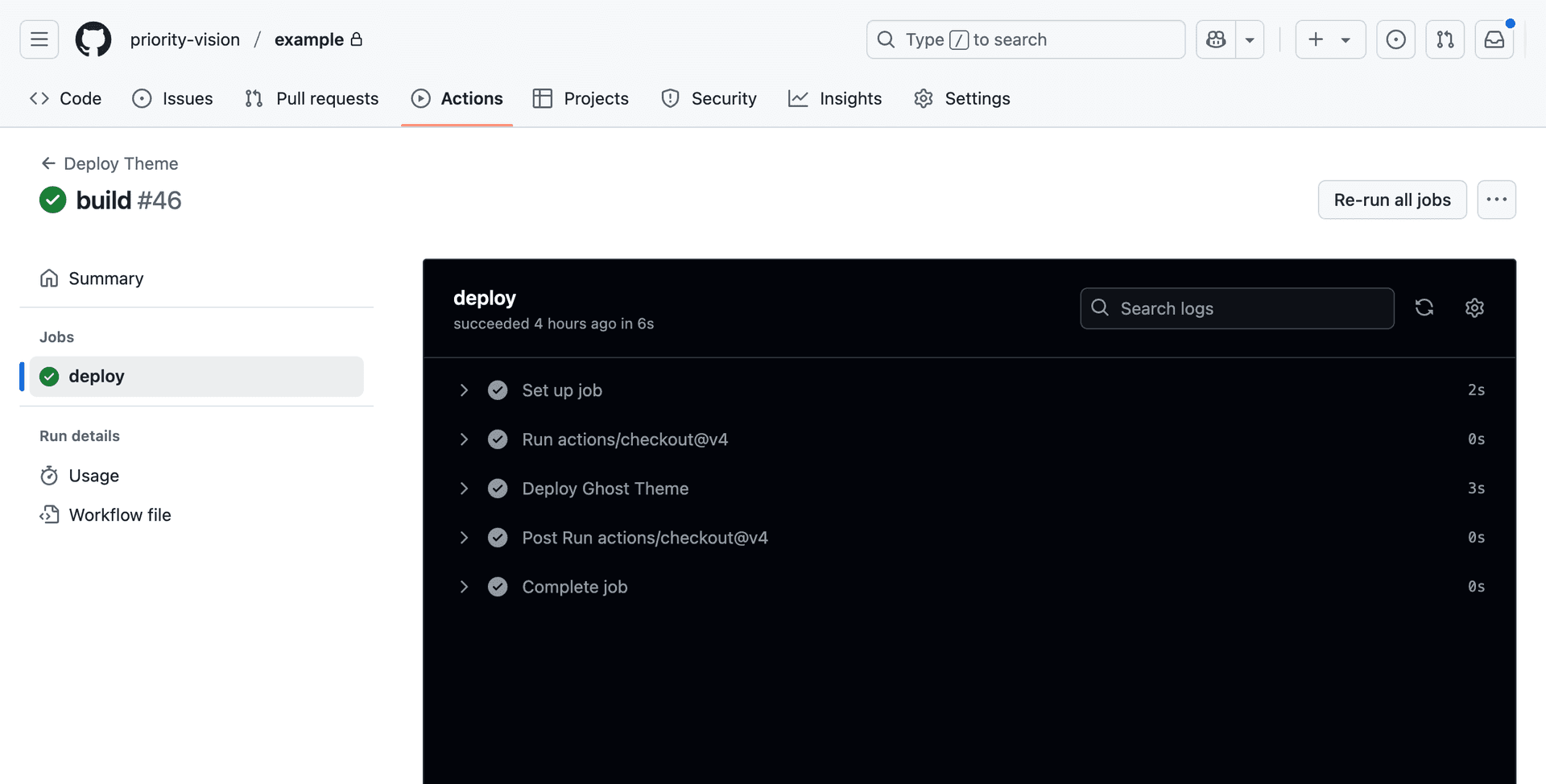
Monitor progress in the Actions tab on GitHub.
6. Customizing the Workflow
Trigger on new releases only:
on:
  release:
    types: [published]
Trigger only when certain files change:
on:
  push:
    branches:
      - main
    paths:
      - 'assets/**'
      - '*.hbs'
      - 'package.json'
7. Troubleshooting
- API credentials: Double-check your API key and URL.
- Build errors: See the workflow logs for build issues.
- Permissions: Ensure your GitHub Actions workflow has access to repository secrets.
- Theme name: Make sure the workflow deploys the correct theme zip.