Logos
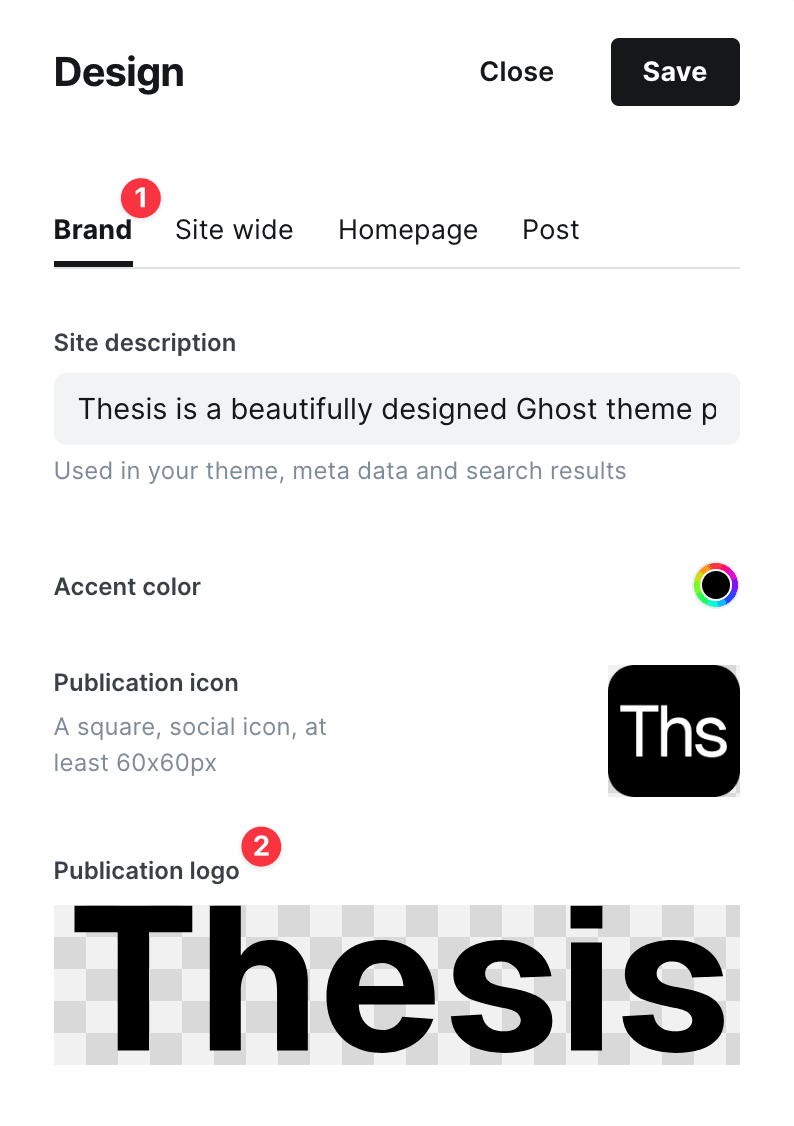
Ghost provides a way to upload a logo for your site and calls it Publication logo. Essence displays it in the fixed sidebar. Follow these steps to upload a logo:
- Log in to Ghost admin
- Go to Settings → Site → Design & branding
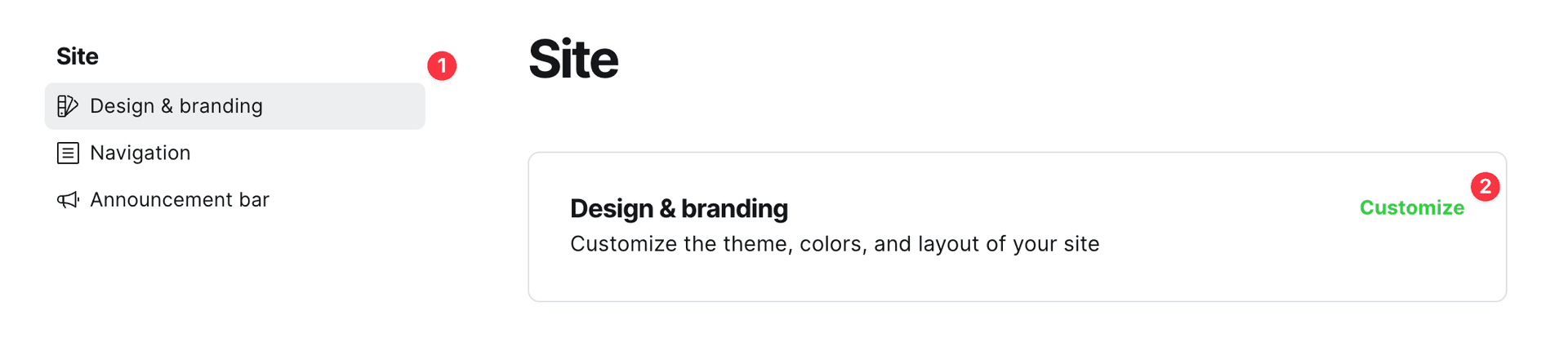
- Click Customize → Branding
- Upload the logo in Publication logo
Logo size
Code Injection is required to add custom CSS.
The logo width and height are automatically retrieved from your uploaded image and it is limited by height. You can change the height limitation with the following custom CSS:
<style>
:root {
    --logo--max-height: 15px;
}
</style>