Footer
Essence displays a compact footer copyright below the main content area.
Customizing copyright text
The Footer copyright theme setting controls the copyright line. HTML is allowed, so you can add links, spans, or other markup.
To modify the copyright text, follow the steps below:
- Go to Settings → Site → Design & branding
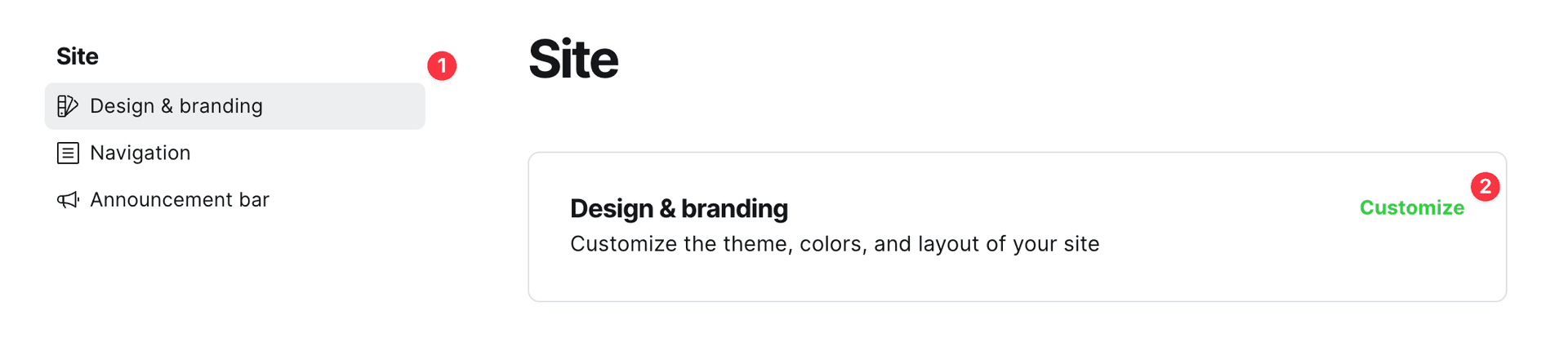
- Click Customize → Theme → Site wide
- Enter your text in the Footer copyright setting
When left empty, Essence shows the default: copyright year, site title, and “Published with Ghost & Essence”.
Example custom value:
© 2026 My Site. <a href="/privacy/">Privacy</a>See Footer settings for more detail on this theme setting.
Hiding “Published with Ghost & Essence”
Code Injection is required to add custom CSS.
If you want to keep the copyright year and site title but hide only the “Published with Ghost & Essence” part of the default text, add this custom CSS:
.footer-copyright > span {
  display: none;
}
Removing the copyright section
To completely remove the copyright text, set the Footer copyright setting to a whitespace character. Note that leaving this setting empty will result in the default copyright text being displayed.